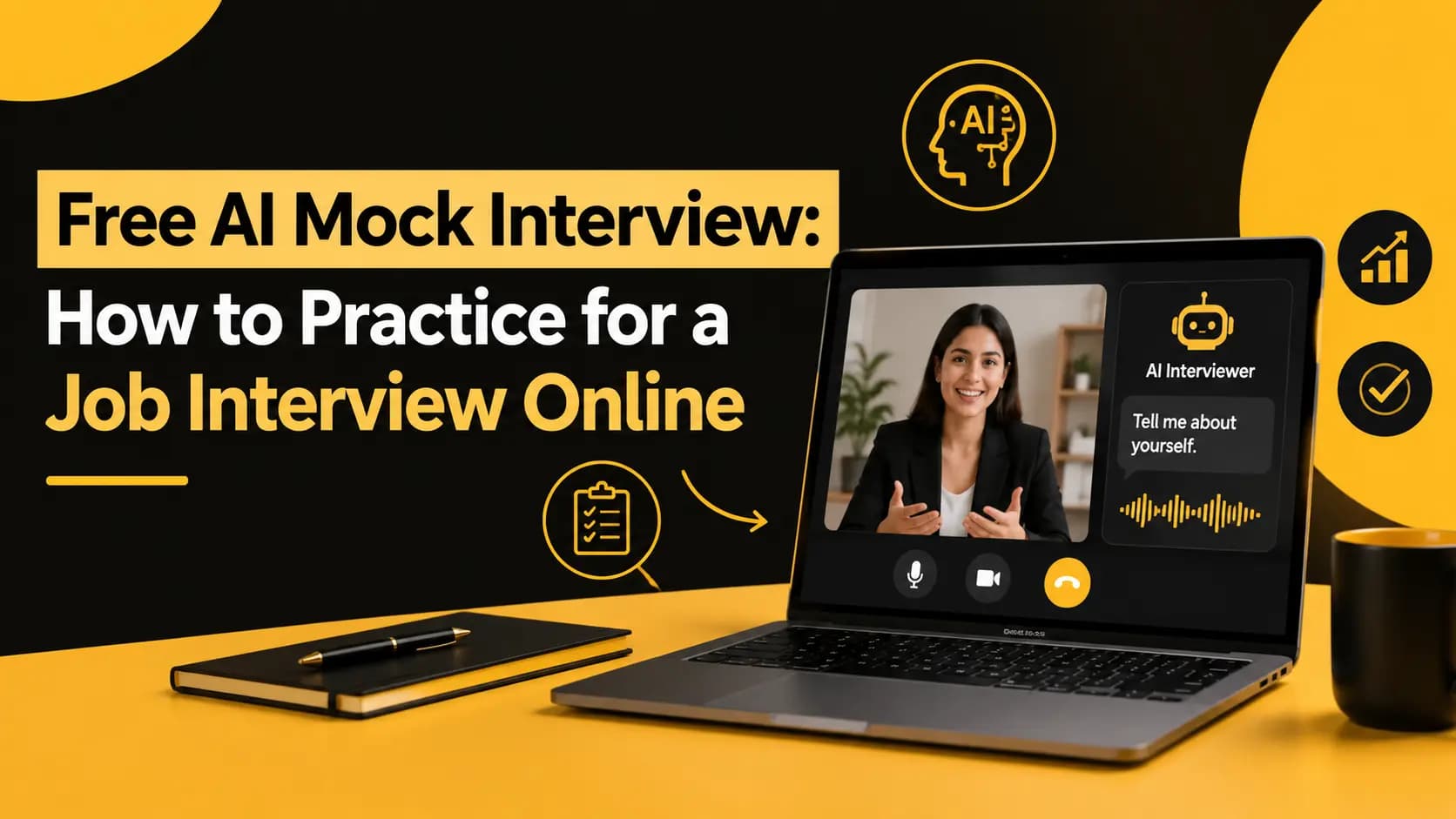
How to Practice for a Video Interview: The Complete Guide for 2026
Learn how to practice for a video interview, improve your confidence, reduce filler words, structure better answers, and use free AI interview practice to prepare for your next job interview.
The best way to practice for a video interview is to simulate the real interview experience by answering common and role-specific questions on camera, recording your responses, reviewing your communication, and repeating the process while improving one weakness at a time. Candidates should practice areas such as answer structure, confidence, eye contact, speaking pace, filler words, clarity, and behavioral questions using the STAR method. Free AI interview practice tools can make this process more useful by providing structured feedback on how you communicate and where you can improve before the real interview.
Video interviews have become a common part of the modern hiring process. Instead of meeting an interviewer in an office, candidates may need to answer questions through a webcam, join a live video interview, or record responses for a one-way interview. While preparing what you want to say is important, knowing how you communicate on camera can be just as important.
A candidate may know the right answer but still struggle with speaking too quickly, using too many filler words, looking away from the camera, giving overly long answers, or sounding less confident than they expected. These habits can be difficult to notice when you are focused on answering the question.
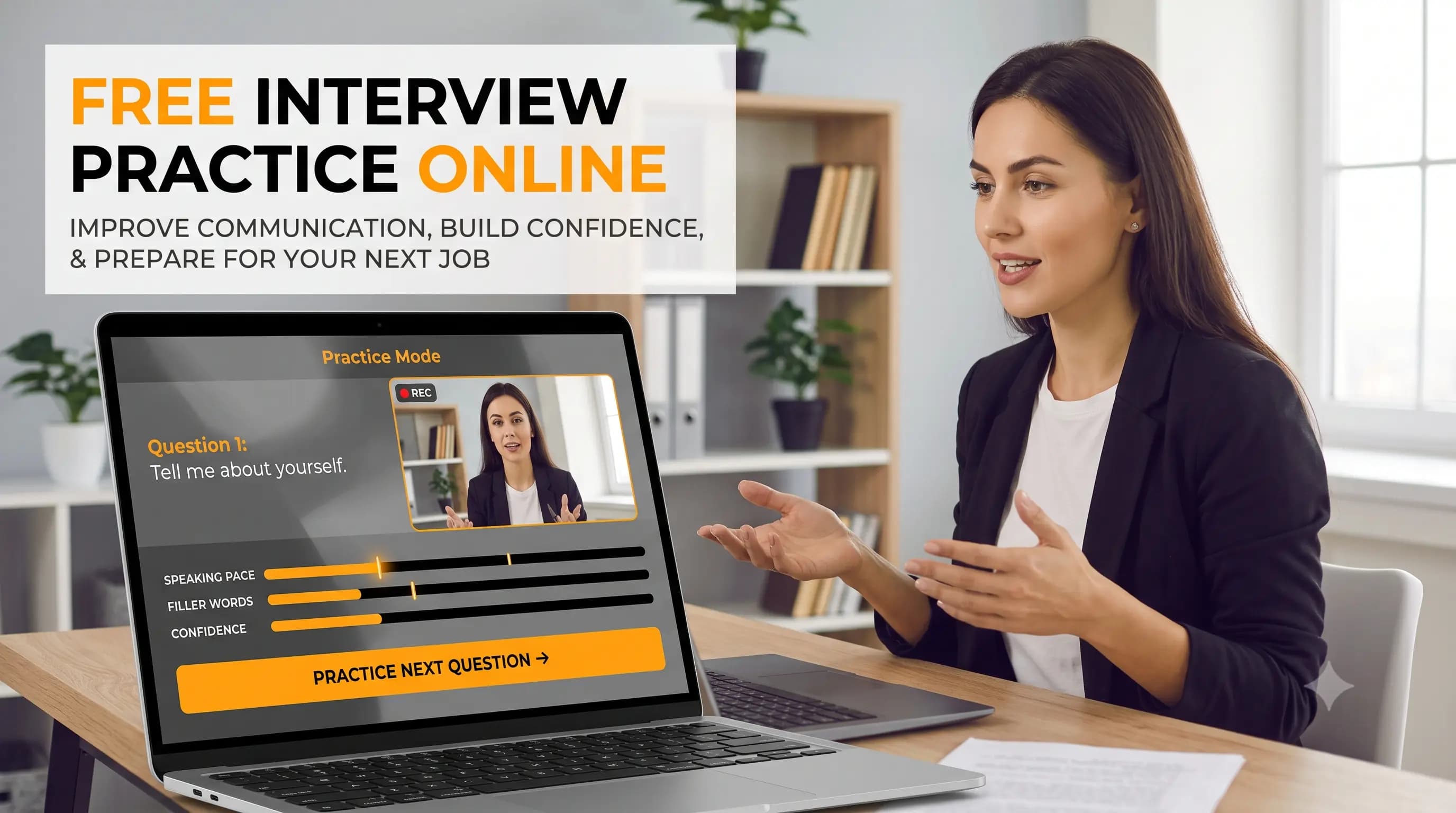
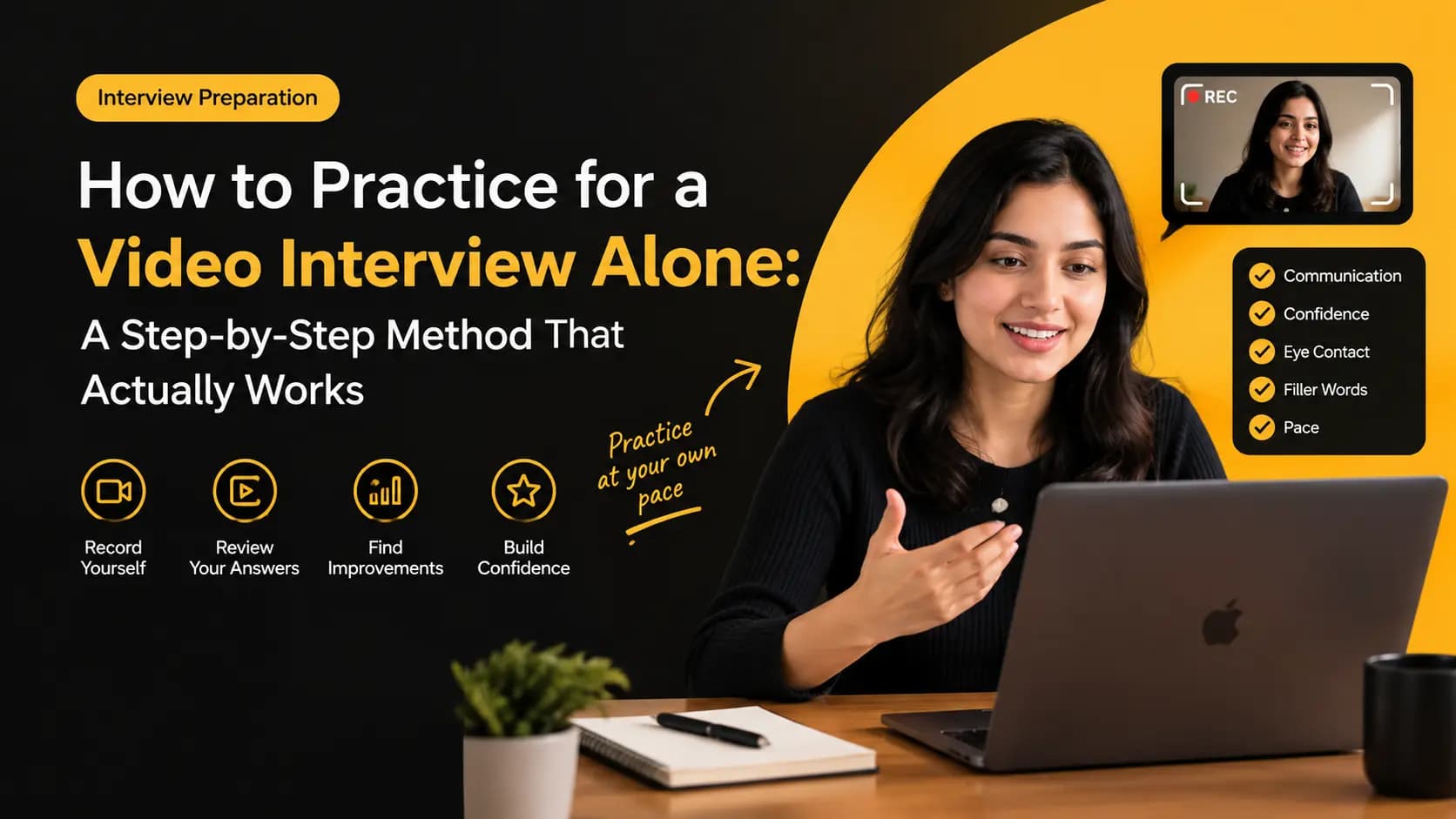
The most effective way to improve is to practice under conditions that are similar to the real interview. Record your answers, review your performance, identify specific weaknesses, and practice again. Free AI interview practice can make this process even more useful by providing structured feedback on communication, confidence, speaking pace, eye contact, filler words, and answer structure.
In this guide, you will learn how to practice for a video interview, which questions to prepare, how to improve your answers, how to use the STAR method, what mistakes to avoid, and how you can use VideoPitcher's free AI Interview Practice tool to prepare before your next interview.
Key Takeaways
- ✓Video interview preparation should include actual speaking practice, not just reading interview questions.
- ✓Recording yourself helps reveal communication habits that are difficult to notice during a real interview.
- ✓Practice should focus on clarity, confidence, eye contact, speaking pace, filler words, and answer structure.
- ✓Behavioral interview questions can be structured using the STAR method.
- ✓Role-specific practice is more useful than preparing only generic interview questions.
- ✓AI interview practice can provide structured feedback before you enter a real interview.
- ✓Repeated short practice sessions can help you become more comfortable speaking on camera.
Why Is Video Interview Practice Important?
Preparing for an interview by reading questions and thinking about answers is useful, but it does not fully prepare you for the experience of speaking on camera. Video interviews require you to communicate your ideas while also managing your pace, facial expressions, eye contact, pauses, and overall delivery.
A candidate may have an excellent answer but still appear nervous because they speak too quickly or repeatedly look away from the camera. Another candidate may have strong experience but provide answers that are difficult to follow because their ideas are not organized.
The only reliable way to discover these habits is to practice speaking and review the result. Recording yourself gives you an opportunity to see your interview performance from an outside perspective.
How to Practice for a Video Interview
Effective video interview practice does not require complicated preparation. The goal is to recreate the conditions of an actual interview and gradually improve your performance.
Step 1: Choose the Job You Are Preparing For
Start by identifying the position you are applying for. The questions you practice should reflect the responsibilities, skills, and communication requirements of that role.
Examples of roles you can prepare for:
- ✓Software Engineer
- ✓Data Analyst
- ✓Product Manager
- ✓Sales Representative
- ✓Marketing Manager
- ✓Business Analyst
- ✓Customer Success Manager
- ✓Project Manager
- ✓HR Manager
- ✓Customer Support Representative
For example, a software engineer may need to explain a technical decision to a non-technical stakeholder. A salesperson may need to demonstrate persuasion and objection handling. A customer support candidate may need to communicate empathy while solving a customer problem.
Step 2: Practice Common Interview Questions
Begin with questions that appear frequently in job interviews. These questions help you build confidence before moving to more difficult or role-specific scenarios.
Common questions to practice:
- ✓Tell me about yourself.
- ✓Why are you interested in this position?
- ✓Why should we hire you?
- ✓What are your greatest strengths?
- ✓What is one weakness you are working on?
- ✓Why do you want to work for our company?
- ✓Tell me about a difficult problem you solved.
- ✓Tell me about a time you worked under pressure.
- ✓Describe a conflict you had with a colleague.
- ✓Tell me about an achievement you are proud of.
Do not try to memorize complete answers. Instead, prepare the key points you want to communicate. This gives you enough structure to stay focused without making your response sound scripted.
Step 3: Record Yourself Answering Questions
Once you have selected your questions, turn on your camera and answer them as if you were speaking with a real interviewer. Try not to stop every time you make a small mistake. The purpose of this exercise is to understand how you naturally communicate under interview conditions.
After recording, watch your response. Pay attention to how you sound, how quickly you speak, where you look, how often you pause, and whether your answer follows a clear structure.
Step 4: Review Your Communication
When reviewing your video, do not focus only on whether your answer was technically correct. Evaluate how effectively you communicated the answer.
Ask yourself:
- ✓Was my answer easy to understand?
- ✓Did I directly answer the question?
- ✓Did I speak too quickly?
- ✓Did I use unnecessary filler words?
- ✓Did I maintain natural camera engagement?
- ✓Did I provide enough detail?
- ✓Was my answer too long?
- ✓Did I sound confident?
- ✓Did I organize my ideas logically?
- ✓Did I provide a clear result when describing an example?
Practice With Free AI Interview Feedback
Watching your own recording is useful, but it is easy to miss habits that you have become accustomed to. This is where AI interview practice can add another layer of feedback.
VideoPitcher's free AI Interview Practice tool is designed to help candidates practice interview questions on camera and understand different aspects of their interview performance. The practice experience provides feedback across areas such as communication, confidence, eye contact, engagement, speaking pace, pauses, filler words, and STAR structure.
What Should You Look for When Reviewing Your Interview?
1. Communication Clarity
A strong interview answer should be easy to understand. Avoid unnecessary explanations and make your main point clear.
Instead of spending most of your answer explaining background information, provide the context the interviewer needs and then focus on the actions, decisions, and results that demonstrate your ability.
2. Confidence
Confidence does not mean speaking loudly or trying to appear overly enthusiastic. It means communicating your experience directly and avoiding unnecessary uncertainty.
Compare 'I think I was probably responsible for improving the process' with 'I was responsible for improving the process.' The second statement is more direct and communicates ownership clearly.
3. Eye Contact
Video interviews can make eye contact feel unnatural because you are looking at a screen while communicating with someone through a camera. Try to maintain natural engagement with the camera rather than constantly looking at yourself or another part of the screen.
You do not need to stare at the camera continuously. Natural movement is fine. The goal is to avoid appearing distracted or disconnected from the conversation.
4. Speaking Pace
Nervousness can cause candidates to speak faster than they normally do. When reviewing your recording, ask whether an interviewer could comfortably follow every important part of your answer.
Practice slowing down and using short pauses between important ideas. A thoughtful pause is usually better than rushing through an answer.
5. Filler Words
Listen for repeated words such as 'um,' 'uh,' 'like,' 'basically,' 'actually,' 'you know,' and 'I mean.' Occasional filler words are normal, but excessive use can make an answer sound less polished.
One of the simplest ways to reduce filler words is to replace them with short pauses. Recording yourself can help you identify which filler words you use most often.
Use the STAR Method for Behavioral Interview Questions
Behavioral questions ask you to describe situations from your previous experience. They are commonly used to understand how you approach problems, collaboration, leadership, conflict, and other workplace situations.
The STAR method provides a simple structure for answering these questions.
| STAR Component | What It Means | What to Include |
|---|---|---|
| Situation | The context | Briefly explain what was happening. |
| Task | Your responsibility | Explain what you needed to accomplish. |
| Action | What you did | Focus on your specific actions and decisions. |
| Result | The outcome | Explain what happened and, when possible, provide measurable results. |
For example, instead of saying 'I improved our website performance,' explain the situation, what you were responsible for, the actions you took, and the resulting improvement. A structured answer gives the interviewer a clearer understanding of your contribution.
Practice Your 'Tell Me About Yourself' Answer
Tell me about yourself is one of the most common interview questions, yet many candidates make their answer too long or too focused on unrelated personal history.
A useful structure is Present → Past → Future.
Present → Past → Future:
- ✓Present – Explain what you currently do.
- ✓Past – Briefly describe relevant experience.
- ✓Future – Explain why you are interested in the opportunity.
Practice this answer until you can deliver it naturally without reading a script. Your goal is to communicate the most relevant information clearly and confidently.
Practice Difficult Interview Questions
Do not practice only questions that you already know how to answer. Real interviews can introduce unexpected questions, so practicing difficult scenarios can make you more comfortable thinking under pressure.
Difficult questions worth practicing:
- ✓What is your biggest weakness?
- ✓Why should we hire you?
- ✓Tell me about a failure.
- ✓Tell me about a conflict.
- ✓Why did you leave your previous job?
- ✓Why are you changing careers?
- ✓Explain a career gap.
- ✓What salary are you expecting?
- ✓Why do you want to work here?
- ✓Where do you see yourself in five years?
The goal is not to create a perfect script for every possible question. Instead, practice organizing your thoughts and responding calmly when you encounter something unexpected.
10 Common Video Interview Mistakes
- ✓Reading directly from a script.
- ✓Looking at yourself instead of the camera throughout the interview.
- ✓Speaking too quickly because of nervousness.
- ✓Using excessive filler words.
- ✓Giving extremely long answers.
- ✓Forgetting to explain the result of a behavioral example.
- ✓Memorizing every sentence instead of understanding the key points.
- ✓Practicing only mentally rather than speaking answers out loud.
- ✓Ignoring your camera, microphone, lighting, and background.
- ✓Waiting until interview day to practice speaking on camera.
How to Set Up for a Video Interview
Your technical setup can also affect how comfortable and professional your interview feels. Test everything before the actual interview so that technical problems do not distract you from answering questions.
Before the interview, check:
- ✓Camera – Position the camera approximately at eye level.
- ✓Lighting – Make sure your face is clearly visible.
- ✓Microphone – Test your microphone and choose a quiet environment.
- ✓Background – Keep your background clean and free from unnecessary distractions.
- ✓Internet – Test your connection before the interview.
- ✓Device – Close unnecessary applications and notifications.
Why Practice With Video Instead of Just Reading Interview Questions?
Reading interview questions helps you understand what an interviewer might ask. But reading does not fully prepare you for speaking under interview conditions.
Consider learning to drive. Reading a driving manual can teach you the rules, but it does not give you the experience of actually driving. Interview preparation works in a similar way.
Reading teaches you what might be asked. Speaking teaches you how to respond. Recording lets you see how you actually perform.
That is why video interview practice can be much more useful than simply reading a list of interview questions.
Can AI Really Help You Prepare for an Interview?
AI cannot guarantee that you will receive a job offer. Your qualifications, experience, skills, answers, and overall fit still matter. However, AI can make interview practice more structured and measurable.
Instead of simply asking yourself whether an answer was good, AI-powered interview practice can help identify patterns that may otherwise be difficult to notice. You may discover that your answers are strong but your speaking pace is too fast, that you use too many filler words, or that your behavioral answers need better structure.
The real value is not the score itself. The value is knowing what to improve before the real interview.
Who Should Use AI Interview Practice?
AI interview practice is not only for students or people attending their first interview. Anyone who wants to improve their performance on camera can benefit from repeated practice.
- ✓College students preparing for their first job.
- ✓Fresh graduates entering the job market.
- ✓Professionals applying for new positions.
- ✓Experienced candidates preparing for senior roles.
- ✓People changing careers.
- ✓Candidates applying for remote positions.
- ✓Job seekers preparing for one-way video interviews.
- ✓Candidates who feel nervous when speaking on camera.
- ✓Professionals preparing for an important promotion or internal interview.
A Simple 15-Minute Interview Practice Routine
You do not need to spend several hours every day practicing. A focused 15-minute routine can help you build consistency.
| Time | Activity | Goal |
|---|---|---|
| Minutes 1–2 | Choose one interview question. | Select a common, behavioral, or role-specific question. |
| Minutes 3–5 | Prepare key points. | Write down the main ideas you want to communicate. |
| Minutes 6–8 | Record your answer. | Answer naturally without reading a script. |
| Minutes 9–11 | Review your performance. | Identify one or two areas that need improvement. |
| Minutes 12–15 | Answer again. | Apply the improvements and record another response. |
Repeat this process several times a week. Over time, you can move from individual questions to complete mock interviews.
Your Video Interview Practice Checklist
- ✓I can introduce myself clearly.
- ✓I can explain why I want the role.
- ✓I can explain my relevant experience.
- ✓I can answer common interview questions.
- ✓I can answer behavioral questions using STAR.
- ✓I can provide specific examples.
- ✓I can explain measurable results.
- ✓I can maintain natural camera engagement.
- ✓I can control my speaking pace.
- ✓I can reduce unnecessary filler words.
- ✓I can answer without reading a script.
- ✓My camera and microphone work correctly.
- ✓My lighting and background are suitable.
- ✓I have completed at least one full mock interview.
Ready to Practice Your Interview?
You can read dozens of interview articles, watch interview videos, and prepare pages of notes. But eventually, you have to turn on the camera and speak.
The earlier you practice, the more comfortable you can become with answering questions under interview conditions. Instead of waiting for a recruiter to schedule your next interview, create your own practice opportunity today.
VideoPitcher's free AI Interview Practice tool lets you practice interview questions on camera and receive structured feedback that can help you identify areas to improve.
Remember the process: Practice → Record → Review → Improve → Practice Again.
Don't wait for the interview to practice. Practice before the interview.
Frequently Asked Questions
Scorecard — implementation checklist
- Practice common interview questions before the real interview.
- Practice questions that are specific to the role you are applying for.
- Record yourself answering questions instead of only preparing answers mentally.
- Review your communication clarity and answer structure.
- Practice maintaining natural eye contact with the camera.
- Control your speaking pace and use purposeful pauses.
- Identify and reduce unnecessary filler words.
- Use the STAR method for behavioral interview questions.
- Practice difficult questions instead of preparing only easy questions.
- Test your camera, microphone, lighting, background, and internet connection.
- Complete at least one full mock interview before the real interview.
- Use AI interview feedback to identify specific areas that need improvement.
Frequently asked questions
How do I practice for a video interview?+
The best way to practice for a video interview is to simulate the real interview. Choose common and role-specific questions, answer them on camera, record your responses, review your communication, and repeat the process while improving specific weaknesses such as speaking pace, filler words, confidence, eye contact, and answer structure.
Is there a free AI tool to practice interviews?+
Yes. VideoPitcher provides a free AI Interview Practice tool that allows candidates to practice interview questions and receive structured feedback on their interview performance. Candidates can use it to practice communicating on camera before a real interview.
What should I practice before a video interview?+
Candidates should practice common interview questions, role-specific questions, behavioral questions, difficult questions, and their introduction. They should also practice communication behaviors such as clarity, confidence, eye contact, speaking pace, pauses, filler words, and structured answers.
How can I improve my confidence in video interviews?+
The most effective way to improve confidence is repeated practice. Record yourself answering interview questions, review your performance, identify specific areas for improvement, and practice again. Becoming familiar with speaking on camera can reduce nervousness and make your delivery more natural.
How can I reduce filler words during an interview?+
Start by identifying which filler words you use most frequently, such as 'um,' 'uh,' 'like,' 'basically,' or 'you know.' During practice, replace unnecessary filler words with short pauses. Recording your answers or using an AI interview practice tool can help you identify repeated filler-word patterns.
Should I memorize my interview answers?+
You should generally avoid memorizing every sentence of an interview answer. Instead, prepare the main points you want to communicate and practice explaining them naturally. This helps your answers sound conversational rather than rehearsed.
What is the STAR method for interviews?+
The STAR method is a framework for answering behavioral interview questions. STAR stands for Situation, Task, Action, and Result. Candidates describe the situation, explain their responsibility, describe what they did, and finish by explaining the outcome.
Can I practice a mock interview online for free?+
Yes. Online mock interview tools allow candidates to practice interview questions without waiting for a real interview. VideoPitcher's free AI Interview Practice tool lets candidates practice interview responses on camera and use structured feedback to identify areas for improvement.
How does VideoPitcher help with interview practice?+
VideoPitcher's free AI Interview Practice tool helps candidates simulate interview questions and review their performance. The practice experience provides feedback across areas such as communication, confidence, eye contact, engagement, speaking pace, pauses, filler words, and STAR-based answer structure.
Keywords covered
Related resources
Ready to transform your hiring process?
Start using VideoPitcher today with 20 FREE AI Video Screening Credits, plus Unlimited AI Resume Analysis and Unlimited Text Screening Assessments. No credit card is required—just start screening smarter and find the right candidates faster.