Free Interview Practice Tool for Job Seekers: Practice Interviews Online
Looking for a free interview practice tool? Learn how to practice job interviews online, answer common interview questions, improve communication, build confidence, reduce filler words, and prepare for your next interview with VideoPitcher.
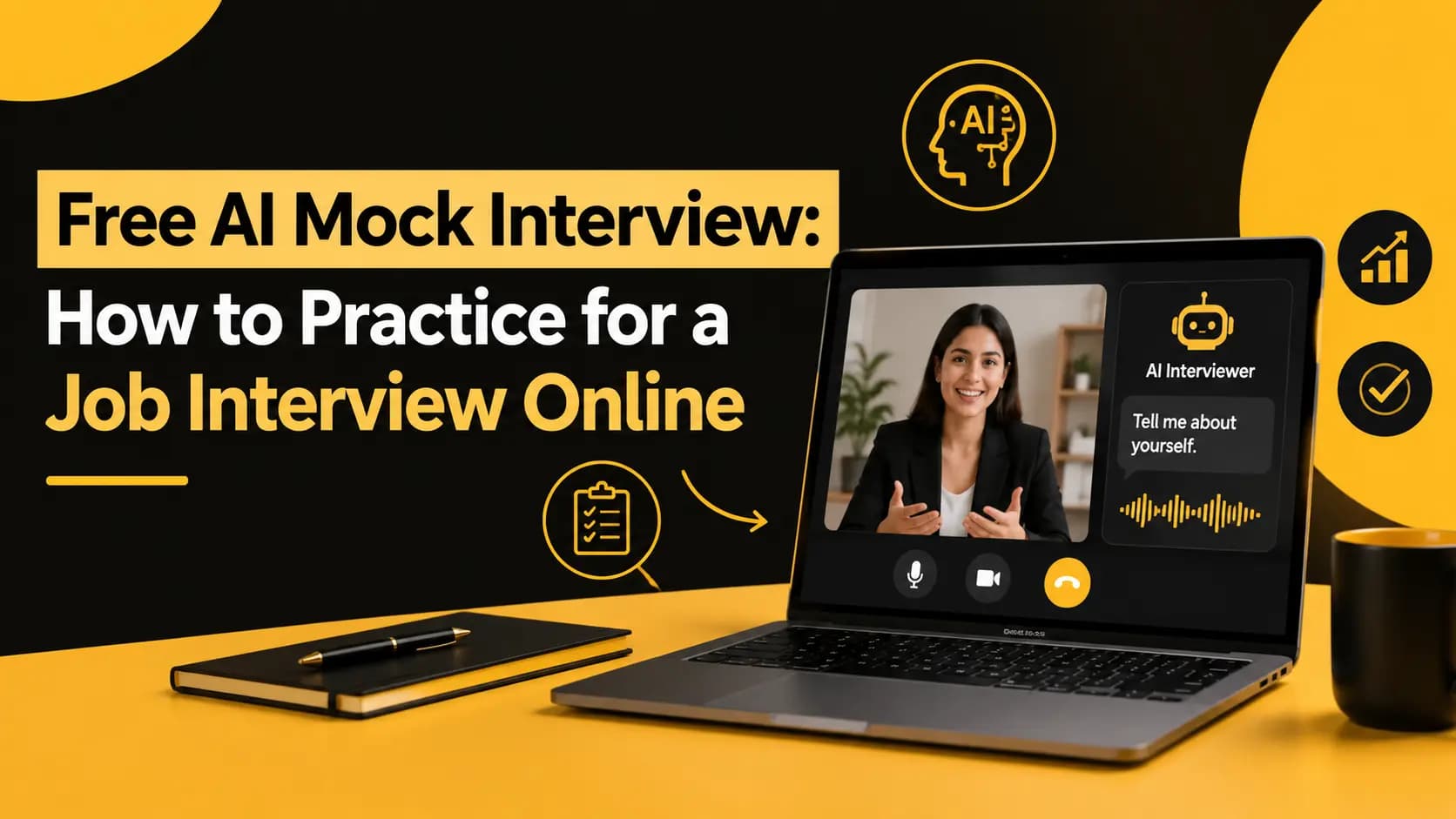
A free interview practice tool helps job seekers prepare for interviews by providing questions, a realistic practice environment, and structured feedback. Instead of only reading interview questions, you can answer them aloud on camera, review your communication, improve your delivery, and practice again. VideoPitcher's free AI Interview Practice tool lets candidates practice interview questions on camera and receive feedback on areas such as communication, confidence, speaking pace, filler words, eye contact, engagement, and answer delivery.
Preparing for a job interview can be difficult when you do not have someone available to practice with. Reading interview questions and preparing answers can help, but it does not fully prepare you for actually speaking those answers during an interview.
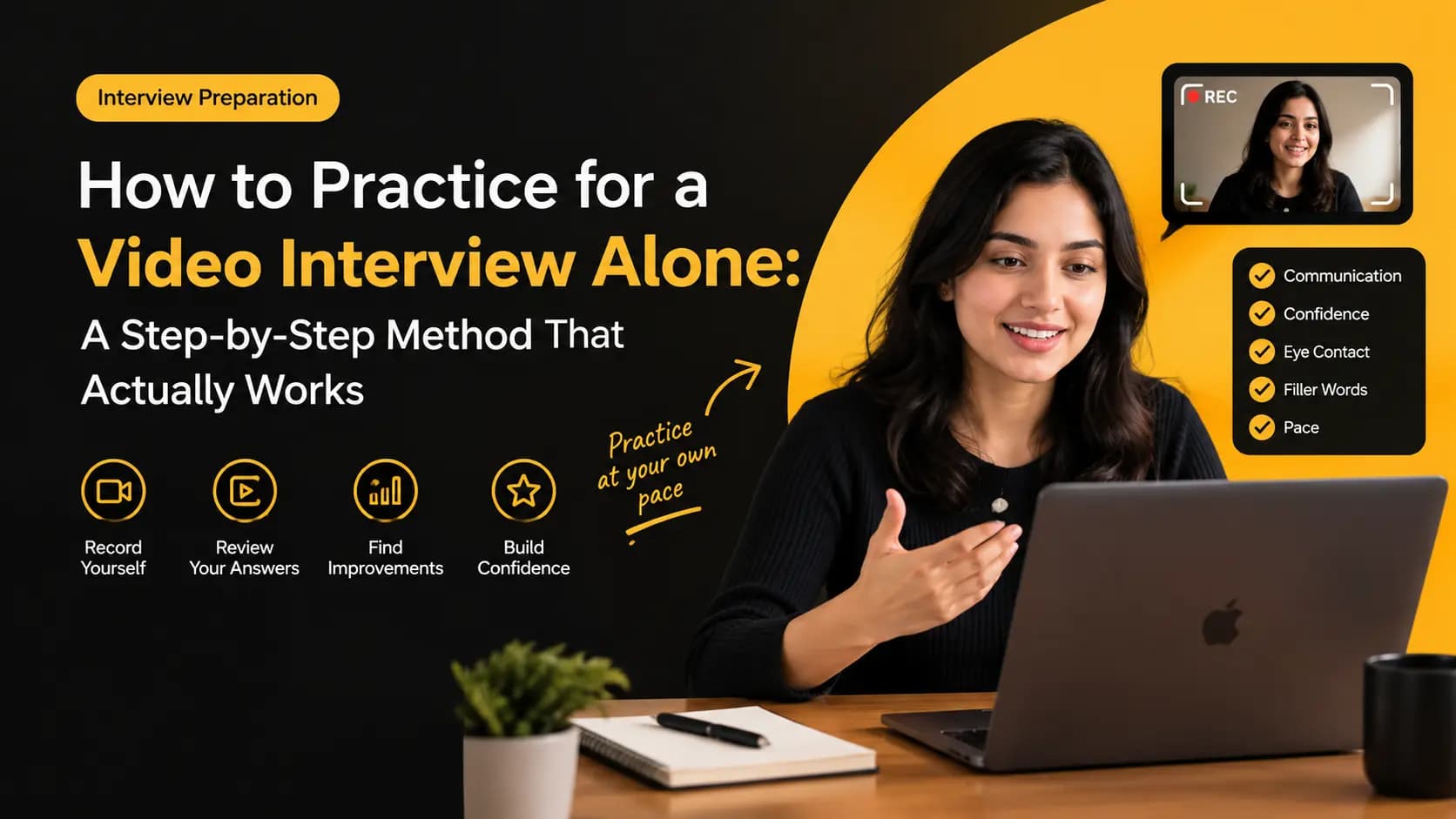
That is where an interview practice tool can help. Instead of only thinking about what you want to say, you can practice answering questions, record yourself, review your delivery, identify areas to improve, and try again.
For job seekers, this can be especially useful before an important interview. You can practice common questions, behavioral questions, role-specific questions, and difficult questions without waiting for a friend, recruiter, mentor, or career coach to become available.
This guide explains what an interview practice tool is, why job seekers use one, how to practice interviews online, what you should evaluate during practice, and how VideoPitcher can help you prepare for your next interview for free.
Key Takeaways
- ✓A free interview practice tool lets you practice job interviews without needing another person.
- ✓Practicing answers aloud is more useful than only reading interview questions.
- ✓Recording yourself helps you understand how your answers actually sound and look.
- ✓You can practice common, behavioral, situational, difficult, and role-specific questions.
- ✓Preparing key points is generally more flexible than memorizing complete answers.
- ✓Review communication clarity, speaking pace, filler words, eye contact, confidence, engagement, and answer structure.
- ✓Focus on one or two improvements at a time instead of trying to fix everything in one session.
- ✓Repeating an answer after reviewing it turns practice into an improvement cycle.
- ✓A full mock interview can help you become more comfortable with switching between different question types.
- ✓VideoPitcher provides a free way to practice interview questions on camera and review your interview performance.
What Is an Interview Practice Tool?
An interview practice tool is an online platform designed to help candidates prepare for job interviews before speaking with an actual interviewer.
Instead of waiting for an interview to practice your answers, you can use an online tool to work through interview questions, speak your answers aloud, record yourself, and review your performance.
Depending on the tool, interview practice can include common interview questions, behavioral questions, role-specific questions, video recording, and feedback about different parts of your delivery.
For candidates who do not have a friend, colleague, recruiter, or mentor available, an online interview practice tool provides a convenient way to make interview preparation more active and repeatable.
Why Should Job Seekers Practice Before an Interview?
Preparing for an interview is not only about knowing what you want to say. You also need to communicate your experience clearly when someone asks you a question unexpectedly.
You may understand your projects and achievements very well but still find it difficult to explain them concisely during an interview. Practice gives you an opportunity to discover these problems before the actual conversation.
Practice can help you work on:
- ✓Answer structure
- ✓Communication clarity
- ✓Speaking pace
- ✓Filler words
- ✓Eye contact
- ✓Confidence
- ✓Camera engagement
- ✓Answer length
- ✓Behavioral question responses
- ✓Explaining projects and achievements
Can You Practice for a Job Interview Online for Free?
Yes. You can practice job interviews online without paying for a traditional coaching session or scheduling time with another person.
Free online interview practice is particularly useful when you want to practice frequently. You can complete a short practice session before work, during a break, or whenever you have time to prepare for an upcoming interview.
The important part is to make practice active. Do not simply read questions and think about your answers. Speak your answers aloud and, when possible, record yourself so you can review how you communicate.
What Should You Practice in a Mock Interview?
A useful mock interview should contain different types of questions rather than repeating the same type of question.
| Question Type | Example |
|---|---|
| Introduction | Tell me about yourself. |
| Motivation | Why are you interested in this role? |
| Experience | Tell me about a project you are proud of. |
| Behavioral | Tell me about a difficult problem you solved. |
| Situational | What would you do if you disagreed with a teammate? |
| Role-specific | Explain a skill or process relevant to this position. |
| Difficult | What is your biggest weakness? |
| Closing | Do you have any questions for us? |
How to Use an Interview Practice Tool
Using an interview practice tool effectively does not require a complicated preparation process. The basic cycle is simple: choose a question, answer it, review your response, improve one specific area, and practice again.
A simple practice process:
- ✓Choose the job you are preparing for.
- ✓Select relevant interview questions.
- ✓Prepare key points rather than a complete script.
- ✓Start the practice session.
- ✓Answer the question naturally.
- ✓Record your response when practicing on camera.
- ✓Review your performance.
- ✓Identify one or two areas to improve.
- ✓Answer the question again.
- ✓Move to another question.
Step 1: Choose the Job You Are Preparing For
Your practice becomes more useful when it matches the job you are applying for. Start by reviewing the job description and identifying the skills and responsibilities that appear most important.
Look for:
- ✓Required skills
- ✓Preferred skills
- ✓Main responsibilities
- ✓Tools or technologies
- ✓Leadership expectations
- ✓Communication requirements
- ✓Relevant experience
- ✓Important qualifications
Use this information to select questions that give you an opportunity to explain why your experience is relevant to the position.
Step 2: Practice Common Interview Questions
Start with questions that appear frequently across different types of interviews. These questions help you practice explaining your background and motivation clearly.
Good questions to practice include:
- ✓Tell me about yourself.
- ✓Why are you interested in this role?
- ✓Why do you want to work here?
- ✓What are your strengths?
- ✓What is one area you are working to improve?
- ✓Why should we hire you?
- ✓Tell me about your previous experience.
- ✓What is your biggest professional achievement?
- ✓Where do you see yourself in the future?
- ✓Do you have any questions for us?
Step 3: Practice Behavioral Interview Questions
Behavioral questions ask you to describe situations from your previous experience. They often begin with phrases such as 'Tell me about a time when...' or 'Give me an example of...'.
These questions are useful to practice because they require you to remember a real situation and explain what you personally did.
The STAR method can provide a simple structure for behavioral answers.
| Part | What to Explain |
|---|---|
| Situation | Briefly explain the context. |
| Task | Explain your responsibility or objective. |
| Action | Describe what you personally did. |
| Result | Explain the outcome and measurable results when possible. |
Step 4: Answer Questions on Camera
If your upcoming interview is a video interview, practicing on camera can help you become more familiar with the format.
When you answer questions on camera, you have to think about more than the words you are saying. You also need to manage your eye contact, speaking pace, facial expression, posture, and overall delivery.
During your recording, pay attention to:
- ✓Whether you look toward the camera naturally.
- ✓Whether you speak clearly.
- ✓Whether your speaking pace changes when you become nervous.
- ✓Whether you use frequent filler words.
- ✓Whether your answer stays focused.
- ✓Whether your posture remains natural.
- ✓Whether your voice sounds engaged.
- ✓Whether you finish your answer clearly.
Step 5: Review Your Interview Performance
Recording an answer is only the first part of effective practice. The next step is reviewing the response.
Try to evaluate your answer from the perspective of an interviewer. Ask yourself whether the answer is clear, relevant, structured, and easy to follow.
Review these areas:
- ✓Did I answer the question directly?
- ✓Did I provide a relevant example?
- ✓Did I explain my own contribution?
- ✓Did I explain the result?
- ✓Was my answer too long?
- ✓Did I speak too quickly?
- ✓Did I use unnecessary filler words?
- ✓Did I maintain natural camera engagement?
- ✓Did I sound confident and engaged?
- ✓Did I finish with a clear point?
Step 6: Improve One Thing at a Time
Trying to improve every aspect of your interview performance at the same time can make practice difficult. Instead, identify one or two specific areas after each session.
| Problem | Practice Focus |
|---|---|
| Speaking too quickly | Pause before answering and between major points. |
| Frequent filler words | Use short pauses instead of filling every silence. |
| Answers are too long | Lead with the main point and remove unrelated details. |
| Answers lack structure | Use a simple framework such as STAR for behavioral questions. |
| Looking away from camera | Practice returning your attention naturally to the camera. |
| Unclear answers | Start with your main point and then provide supporting details. |
| Forgetting what to say | Prepare key points instead of memorizing complete scripts. |
Step 7: Practice the Same Question Again
Once you identify an area to improve, answer the same question again. The purpose is to apply the feedback immediately instead of simply moving to another question.
For example, if your first response is too long, try answering it again with a clearer structure. If you speak too quickly, focus on slowing down. If you use frequent filler words, replace unnecessary fillers with short pauses.
Comparing two attempts can make your progress easier to recognize.
How to Improve Your Interview Communication
Interviewers need to understand your experience, skills, and examples. Good communication is therefore about more than using impressive words.
Focus on:
- ✓Clear sentences
- ✓Relevant examples
- ✓Concise explanations
- ✓Natural speaking pace
- ✓Useful pauses
- ✓Specific achievements
- ✓Personal contributions
- ✓Logical answer structure
When practicing, try to explain your experience in language that another person can understand quickly. Avoid adding unnecessary details simply because you remember them.
How to Reduce Filler Words During Interviews
Words such as 'um,' 'uh,' 'like,' 'basically,' and 'you know' can appear naturally in everyday conversation. The goal is not necessarily to remove every filler word.
Instead, listen to your practice recordings and identify whether you use certain filler words repeatedly. If you notice a pattern, practice replacing unnecessary fillers with short pauses.
A short pause can give you time to organize your thoughts without interrupting the flow of your answer.
How to Improve Speaking Pace During Interviews
Interview nerves can affect speaking pace. Some candidates begin speaking much faster when they are trying to explain an important answer.
If you speak too quickly:
- ✓Pause briefly before answering.
- ✓Slow down your first sentence.
- ✓Pause between major ideas.
- ✓Remove unnecessary details.
- ✓Use silence when you need time to think.
The goal is not to speak as slowly as possible. Your goal is to make your answer comfortable to follow while keeping the conversation natural.
How to Practice Eye Contact for a Video Interview
Video interviews require a slightly different approach to eye contact because the camera and interviewer may not appear in exactly the same place on your screen.
During practice:
- ✓Position the camera near eye level.
- ✓Avoid continuously watching your own video preview.
- ✓Look toward the camera during important points.
- ✓Keep your facial expression natural.
- ✓Allow brief natural eye movement while thinking.
- ✓Return your attention to the camera as you continue speaking.
Free Interview Practice vs. Practicing With a Friend
Both approaches can be useful, but they provide different practice experiences.
| Method | Useful For | Consideration |
|---|---|---|
| Practice Alone | Repeating answers, recording yourself, and practicing whenever you have time. | You may need a structured way to review your performance. |
| Practice With a Friend | Getting another person's perspective and practicing follow-up questions. | Another person needs to be available. |
| Online Interview Practice | Practicing questions independently in a structured environment. | Feedback should be treated as a practice aid rather than a replacement for a real interviewer. |
Why Video Interview Practice Is Useful
Video interviews add another layer to interview preparation because candidates have to communicate through a camera.
Practicing on camera allows you to become more familiar with speaking while looking toward a camera, managing your posture, controlling your speaking pace, and maintaining natural engagement.
Video practice can help you work on:
- ✓Camera confidence
- ✓Eye contact
- ✓Speaking pace
- ✓Facial expression
- ✓Communication clarity
- ✓Filler words
- ✓Answer structure
- ✓Overall delivery
How AI Interview Practice Can Help
One challenge with practicing alone is knowing what to practice and what to review after each answer.
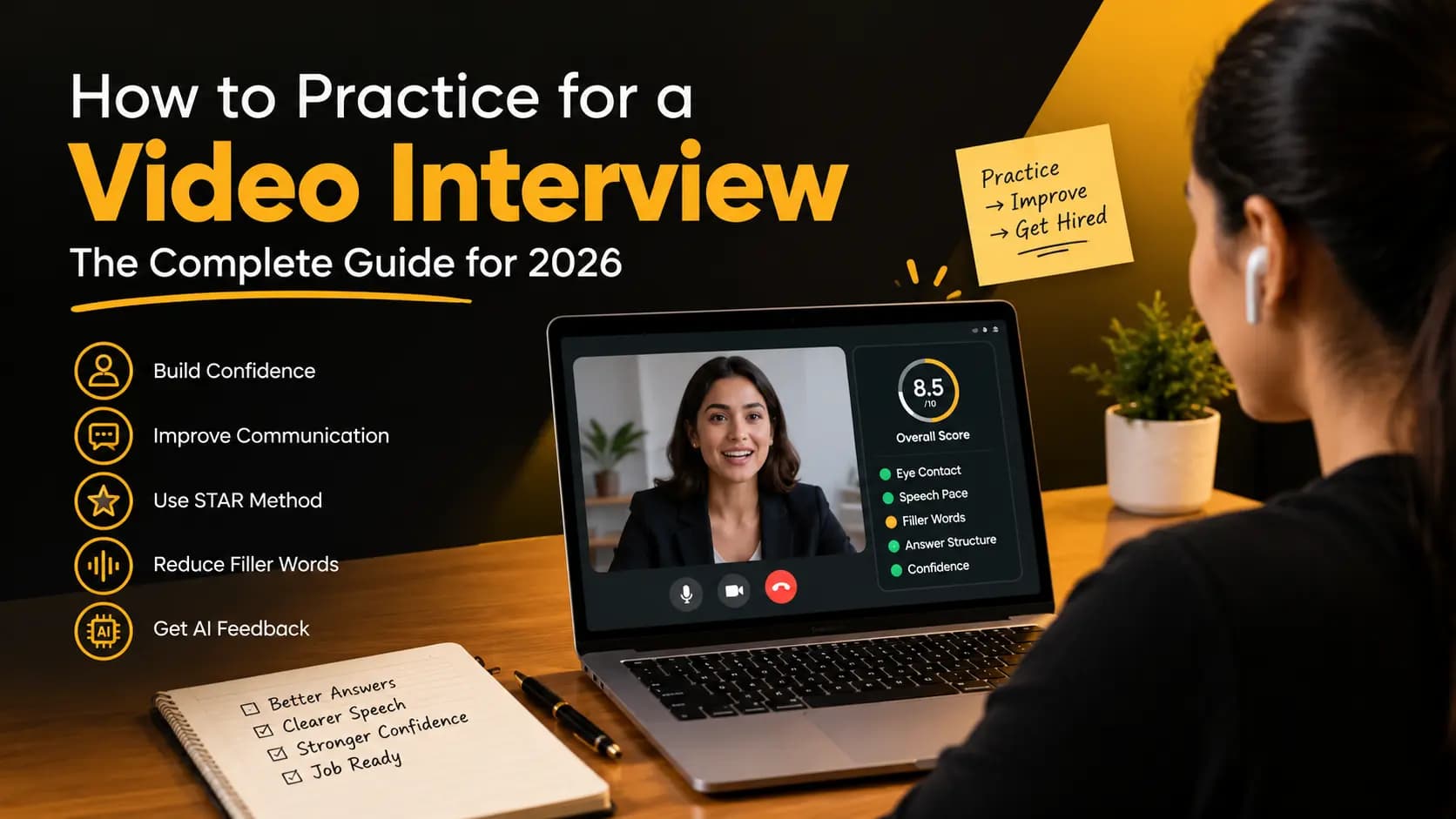
An AI interview practice tool can provide a structured environment where you can answer interview questions and receive feedback across different aspects of your response.
This can make practice more organized because you are not relying entirely on your own memory to decide what to review after every answer.
The most useful approach is to treat feedback as a starting point for your next practice attempt: review the feedback, choose a specific area, answer again, and compare the result.
Practice Your Interview With VideoPitcher
VideoPitcher provides a free AI Interview Practice tool for job seekers who want to practice interview questions online before their real interview.
You can practice answering questions on camera and use structured feedback to work on areas such as communication, confidence, speaking pace, filler words, eye contact, engagement, and answer delivery.
Instead of waiting for someone else to conduct a mock interview, you can practice whenever you have time and repeat questions as many times as needed.
The goal is not simply to complete a practice session. Use each session to identify something specific you can improve before your actual interview.
How to Get the Most From Free Interview Practice
A free interview practice tool becomes more useful when you use it consistently instead of treating it as a one-time test.
Use this practice process:
- ✓Select the job you are preparing for.
- ✓Review the job description.
- ✓Choose relevant interview questions.
- ✓Answer naturally instead of reading a script.
- ✓Practice on camera.
- ✓Review your performance.
- ✓Identify one or two specific improvements.
- ✓Practice the same question again.
- ✓Move to another question.
- ✓Complete a full mock interview before the actual interview.
A 15-Minute Interview Practice Routine
You do not need to spend several hours every day practicing. A focused 15-minute session can give you a consistent routine.
| Time | Activity | Goal |
|---|---|---|
| Minutes 1-2 | Choose a question | Select a relevant interview question. |
| Minutes 3-5 | Prepare key points | Identify the main ideas you want to communicate. |
| Minutes 6-8 | Answer on camera | Give your answer naturally. |
| Minutes 9-11 | Review | Identify one or two areas to improve. |
| Minutes 12-14 | Answer again | Apply the improvement. |
| Minute 15 | Reflect | Write down the next area you want to practice. |
Common Interview Practice Mistakes
Avoid these mistakes:
- ✓Only reading interview questions without answering them aloud.
- ✓Memorizing complete answers word for word.
- ✓Practicing only easy questions.
- ✓Recording yourself without reviewing the recording.
- ✓Trying to fix every communication issue at once.
- ✓Ignoring speaking pace.
- ✓Ignoring filler words.
- ✓Watching your own video preview throughout the practice.
- ✓Giving extremely long answers.
- ✓Practicing without considering the actual job description.
- ✓Waiting until the day of the interview to practice on camera.
How Many Times Should You Practice for an Interview?
There is no universal number of practice sessions that every job seeker needs. The useful approach is to practice enough to become comfortable explaining your experience without depending on a memorized script.
Short, focused sessions can be more useful than repeating the same answers without reviewing them. Practice a question, review your performance, make a specific improvement, and try again.
What Should You Practice the Day Before an Interview?
The day before your interview, focus on reviewing your key experiences and completing a realistic practice session rather than trying to memorize dozens of new answers.
Final practice checklist:
- ✓Review the job description.
- ✓Review your most relevant projects and achievements.
- ✓Practice your introduction.
- ✓Practice behavioral questions.
- ✓Practice difficult questions.
- ✓Complete one full mock interview.
- ✓Check your camera and microphone.
- ✓Check your background and lighting.
- ✓Confirm your internet connection.
- ✓Prepare your interview environment.
How to Know If You Are Ready for Your Interview
Being ready does not mean that every answer will be perfect. You cannot predict every question an interviewer will ask.
A useful sign of preparation is being able to explain your experience naturally, organize your thoughts when asked an unexpected question, recover from a small mistake, and communicate your main points clearly.
Before your interview, you should be able to:
- ✓Introduce yourself naturally.
- ✓Explain your relevant experience.
- ✓Describe important projects.
- ✓Give specific examples from your experience.
- ✓Explain your personal contribution to projects.
- ✓Discuss achievements and results.
- ✓Answer behavioral questions using a clear structure.
- ✓Handle difficult questions without relying on a script.
- ✓Maintain natural camera engagement.
- ✓Control your speaking pace.
- ✓Reduce unnecessary filler words.
- ✓Recover naturally after a small mistake.
Free Interview Practice Checklist for Job Seekers
- ✓I know the job I am preparing for.
- ✓I have reviewed the job description.
- ✓I have selected common interview questions.
- ✓I have selected behavioral questions.
- ✓I have selected role-specific questions.
- ✓I have practiced difficult questions.
- ✓I prepare key points instead of memorizing scripts.
- ✓I answer questions aloud.
- ✓I practice on camera.
- ✓I review my interview responses.
- ✓I check my communication clarity.
- ✓I check my speaking pace.
- ✓I check my filler words.
- ✓I check my eye contact.
- ✓I check my answer structure.
- ✓I check my confidence and engagement.
- ✓I repeat answers after identifying improvements.
- ✓I have completed a full mock interview.
- ✓My camera and microphone are ready.
- ✓I have practiced before the actual interview.
Conclusion: Practice Before the Real Interview
Interview preparation becomes more useful when you move beyond simply reading questions and start practicing your actual responses.
A free interview practice tool can give you a convenient way to practice questions, answer on camera, review your communication, and identify areas that you can improve before the real interview.
Focus on the areas that affect how clearly you communicate your experience: answer structure, speaking pace, filler words, eye contact, confidence, engagement, and overall delivery.
You do not need to memorize perfect answers. Prepare your key points, practice explaining them naturally, review your performance, and use each practice session to make a specific improvement.
If you want to start practicing now, VideoPitcher's free AI Interview Practice tool lets you practice interview questions on camera and review your interview performance before your next job interview.
Frequently Asked Questions
What is a free interview practice tool?
A free interview practice tool is an online platform that helps job seekers prepare for interviews by providing interview questions and a practice environment. Some tools also provide feedback on communication, confidence, speaking pace, filler words, eye contact, and answer delivery.
How can I practice for a job interview online for free?
Use a free online interview practice tool to answer relevant questions, practice on camera, review your responses, identify areas to improve, and repeat the questions after applying the feedback.
Is there a free mock interview tool for job seekers?
Yes. Online mock interview tools can help job seekers practice common, behavioral, difficult, and role-specific interview questions without requiring another person to conduct the session.
How should I practice interview questions?
Choose questions relevant to your target role, answer them aloud, record yourself when possible, review your communication and answer structure, identify one or two specific improvements, and practice again.
Should I record myself practicing for an interview?
Yes. Recording yourself helps you understand how you actually communicate. You can review your speaking pace, filler words, eye contact, answer length, clarity, posture, confidence, and overall delivery.
Can I practice an interview without another person?
Yes. You can practice alone using a phone or computer camera and an online interview practice tool. This lets you practice whenever you have time without depending on another person.
How can VideoPitcher help with interview practice?
VideoPitcher's free AI Interview Practice tool lets job seekers practice interview questions on camera and receive structured feedback on areas such as communication, confidence, speaking pace, filler words, eye contact, engagement, and answer delivery.
How often should I practice for a job interview?
There is no fixed number that works for everyone. Practice regularly in focused sessions, review your performance, identify specific improvements, and repeat questions until your answers become more natural.
What should I focus on when practicing for a video interview?
Focus on answering the question directly, explaining your experience clearly, maintaining a comfortable speaking pace, reducing unnecessary filler words, maintaining natural camera engagement, and keeping your answers structured and relevant.
Can I practice a video interview on my phone?
Yes. A phone camera can be enough for interview practice. Position the phone securely at approximately eye level, make sure your face is visible, check your audio, and practice in a quiet environment.
What is the best way to improve after practicing an interview?
Identify one or two specific areas to improve after each practice session. Apply the improvement to the same question, record another attempt, compare the responses, and then continue with another question.
Scorecard — implementation checklist
- Choose the specific job or role you are preparing for.
- Review the job description before selecting questions.
- Practice common interview questions.
- Practice behavioral and situational questions.
- Practice role-specific questions.
- Answer questions aloud instead of only reading them.
- Record your answers on camera.
- Review your communication and answer structure.
- Check your speaking pace and filler words.
- Review your eye contact and camera engagement.
- Identify one or two improvements after each practice session.
- Repeat answers after applying feedback.
- Complete a realistic full mock interview before the real interview.
Frequently asked questions
What is a free interview practice tool?+
A free interview practice tool is an online platform that helps job seekers prepare for interviews by providing interview questions and a practice environment. Some tools also provide feedback on areas such as communication, confidence, speaking pace, filler words, eye contact, and answer delivery.
How can I practice for a job interview online for free?+
You can practice for a job interview online by using a free interview practice tool, answering questions on camera, reviewing your responses, identifying areas to improve, and repeating the questions after applying the feedback.
Is there a free mock interview tool for job seekers?+
Yes. Free online mock interview tools can help job seekers practice common, behavioral, and role-specific interview questions without requiring another person to conduct the practice session.
How should I practice interview questions?+
Choose questions relevant to the role, answer them aloud rather than only reading them, record your responses when possible, review your communication and answer structure, identify specific improvements, and practice the answer again.
Should I record myself practicing for an interview?+
Yes. Recording yourself can help you identify communication habits that are difficult to notice while speaking. You can review speaking pace, filler words, eye contact, answer length, clarity, posture, confidence, and overall delivery.
Can I practice an interview without another person?+
Yes. You can practice interviews alone using your phone or computer camera and an online interview practice tool. This allows you to practice whenever you have time without depending on another person.
How can VideoPitcher help with interview practice?+
VideoPitcher's free AI Interview Practice tool lets job seekers practice interview questions on camera and receive structured feedback on areas such as communication, confidence, speaking pace, filler words, eye contact, engagement, and answer delivery.
How often should I practice for a job interview?+
There is no single number that works for everyone. A useful approach is to practice regularly in short sessions, review your performance, identify specific improvements, and repeat questions until your answers become more natural.
Written by VideoPitcher Editorial Team
Career & Interview Preparation Desk
Published September 22, 2026
Keywords covered
Related resources
Ready to transform your hiring process?
Start using VideoPitcher today with 20 FREE AI Video Screening Credits, plus Unlimited AI Resume Analysis and Unlimited Text Screening Assessments. No credit card is required—just start screening smarter and find the right candidates faster.