Candidate Evaluation Scorecard: Free Template and 7-Step Hiring Guide
Use this candidate evaluation scorecard template to define job-related criteria, rate interview evidence consistently, compare candidates fairly, and make better-documented hiring decisions.
A candidate evaluation scorecard is a shared set of job-related criteria and rating anchors that interviewers use to assess every candidate consistently. Define the competencies before interviews, record evidence for each score, rate independently, and compare candidates against the role requirements—not against one another's polish or personal similarity.
A candidate evaluation scorecard is a shared set of job-related criteria and rating anchors that interviewers use to assess every candidate consistently. It helps hiring teams compare evidence rather than rely on memory, instinct, or an unstructured conversation. This guide includes a copy-ready template, a practical 1–5 scale, a scoring formula, and steps for putting the scorecard into use.
Key takeaways
- ✓Choose a small number of job-related competencies before interviewing anyone.
- ✓Use the same core questions, rating scale, and process for candidates applying to the same role.
- ✓Write down specific evidence before assigning a score; a number without a reason is not useful.
- ✓Have interviewers score independently before a group discussion to reduce anchoring.
- ✓Treat the scorecard as decision support, not an automatic hiring rule or substitute for human judgment.
What is a candidate evaluation scorecard?
A candidate evaluation scorecard is a structured form that records how a candidate demonstrates the capabilities required for a specific job. It usually contains competencies, interview questions or assessment tasks, a rating scale, evidence notes, and an overall recommendation. The scorecard is prepared before interviews and used consistently so the team can review comparable information.
A scorecard is not just a place to give someone a number. Its purpose is to make the reason behind an evaluation visible. For example, instead of writing “good communicator,” an interviewer might record that the candidate clarified the customer’s problem, explained two options in plain language, and confirmed the next step. That evidence helps another reviewer understand how the rating was reached.
Scorecards work best alongside structured interviews and practical assessments. They do not make every decision objective, but clear criteria and consistent documentation can make a hiring process more deliberate, reviewable, and useful to the people making the final decision.
Copy-ready candidate evaluation scorecard template
Copy this simple template into your hiring document or applicant tracking workflow. Replace the sample competencies with capabilities that are genuinely needed for the role. Leave room for evidence and follow-up questions; those notes are more valuable than a score alone.
| Competency | What good evidence looks like | Rating (1–5) | Evidence and notes |
|---|---|---|---|
| Role-specific skill | Explains or demonstrates a relevant job task accurately | — | What did the candidate do or say? |
| Problem solving | Clarifies the problem, considers options, explains trade-offs | — | What steps or reasoning did you observe? |
| Communication | Organizes the response and adapts detail to the audience | — | Which specific behaviors support the rating? |
| Collaboration | Describes their contribution and how they worked with others | — | What was their role and the outcome? |
| Learning and adaptability | Uses feedback or new information to improve an approach | — | What changed, and why? |
| Overall recommendation | Summarizes strengths, open questions, and role fit | — | Advance, discuss further, or do not advance—with reasons |
Use only the rows that match the role. A job that is mostly independent technical work may not need a collaboration rating in every interview. Conversely, a customer-facing role may need more detailed communication criteria. Every scored competency should connect to a responsibility or outcome in the job description.
How do you rate candidates on a 1–5 scale?
A five-point scale is easy to use, but the labels should describe observable evidence rather than personality or vague impressions. Write anchors before interviews so different reviewers can interpret the same number in a similar way. A general starting scale is:
| Score | Anchor | How to interpret it |
|---|---|---|
| 1 | Does not meet the requirement | The response is missing, incorrect, or not supported by relevant evidence. |
| 2 | Partially meets the requirement | Some relevant understanding is present, but important gaps remain. |
| 3 | Meets the requirement | The candidate gives a relevant, adequate response with a clear example or approach. |
| 4 | Exceeds the requirement | The response is specific and well-reasoned, with strong ownership or useful detail. |
| 5 | Strongly exceeds the requirement | The candidate demonstrates exceptional depth, sound judgment, and clear evidence of impact. |
Adjust the wording for each competency. For problem solving, a “3” could mean the candidate identifies the main issue and proposes a workable approach; a “5” could mean they also test assumptions, compare alternatives, and explain trade-offs. For written communication, assess clarity and accuracy—not whether the candidate uses the same style or vocabulary as the interviewer.
Avoid using a score of 3 as a hidden rejection or treating 5 as the only acceptable result. A scale is useful when its anchors are understood and the team agrees what level is needed for the job. If no evidence was collected for a competency, mark it “not assessed” rather than guessing a rating.
How to create and use a hiring scorecard in 7 steps
1. Start with the work the person will actually do
Review the responsibilities, expected outcomes, and common challenges of the role with the hiring manager and people who understand the work. Translate those requirements into a short list of competencies. Prefer skills that can be observed in an interview, work sample, or concrete example. Do not add criteria merely because they sound impressive or are easy to rate.
2. Prioritize the most important competencies
Choose roughly four to six core criteria for a typical hiring process. Too many criteria make interviews longer and create superficial ratings. Distinguish essential requirements from useful but nonessential strengths, and decide whether any criterion deserves greater weight. Keep weights simple and ensure they reflect the actual importance of the work.
3. Match each competency to a question or task
For every criterion, define how you will collect evidence. Behavioral questions ask for a real example; situational questions ask how someone would approach a realistic scenario; work samples ask candidates to perform a relevant task. A question should measure the competency listed beside it, not several unrelated qualities at once. Give all candidates applying to the same role a comparable opportunity to respond.
4. Write rating anchors and examples
Describe what low, middle, and high performance look like for each competency. Add examples of evidence that would support each level, and clarify what should not affect the rating. For instance, if the competency is analytical reasoning, score the quality of the candidate’s method and explanation—not confidence, accent, or speed unless those are genuinely required for the role.
5. Brief interviewers on the process
Share the scorecard and interview plan with each reviewer in advance. Agree who asks each question, how notes will be recorded, whether follow-up prompts are allowed, and when the team will compare scores. A brief calibration using a sample response can reveal unclear anchors before they affect candidate evaluations.
6. Record evidence and score independently
During the interview, take concise notes on what the candidate actually said, did, or produced. Score each criterion as soon as practical, before discussing the candidate with the rest of the panel. This reduces the chance that a first impression or a senior interviewer’s opinion will unintentionally shape everyone else’s ratings.
7. Compare evidence, resolve gaps, and document the decision
In the debrief, compare ratings criterion by criterion. When scores differ, ask reviewers to point to evidence and revisit the agreed anchors. Separate a genuine difference in evidence from a difference in interpretation. Record the recommendation, unresolved questions, and next step. The scorecard informs the decision; the hiring team remains accountable for it.
How should you calculate an overall candidate score?
For an unweighted score, add the ratings for assessed competencies and divide by the number of competencies rated. For a weighted score, multiply each rating by its agreed weight, add the results, and divide by the total weight used. For example, if role-specific skill is weighted 40%, problem solving 35%, and communication 25%, a candidate rated 4, 3, and 5 respectively receives a weighted average of 3.85 out of 5.
The calculation is a summary, not a verdict. Keep the individual ratings and notes visible. Two candidates can have the same average but very different strengths, and a high score in one area should not silently compensate for a critical requirement that the job cannot do without. Agree in advance how the team will handle missing evidence and any essential minimums.
How to make scorecards fair and useful
Consistency starts before the interview. Use criteria tied to job responsibilities, ask comparable core questions, and give candidates clear instructions. Offer reasonable accommodations and alternative ways to demonstrate a skill when appropriate. Avoid criteria that reward familiarity with a particular interviewer, school, employer, communication style, or cultural reference unless there is a clear, job-related reason.
Train reviewers to separate evidence from interpretation. “Paused before answering” is an observation; “not confident” is an interpretation. The observation may be worth noting, but it should not lower a score unless response speed is a defined requirement and is assessed consistently. Likewise, do not use “culture fit” as a substitute for explicit, job-related behaviors. Define the actual need, such as communicating project risks early or collaborating across functions.
Periodically review how the scorecard is working. Look for criteria that reviewers interpret differently, questions that fail to produce useful evidence, and patterns in candidate progression that deserve investigation. Keep access to interview notes limited to people who need them, follow your organization's retention and privacy policies, and consult qualified HR or legal advisers about local requirements.
Using assessments and AI with a scorecard
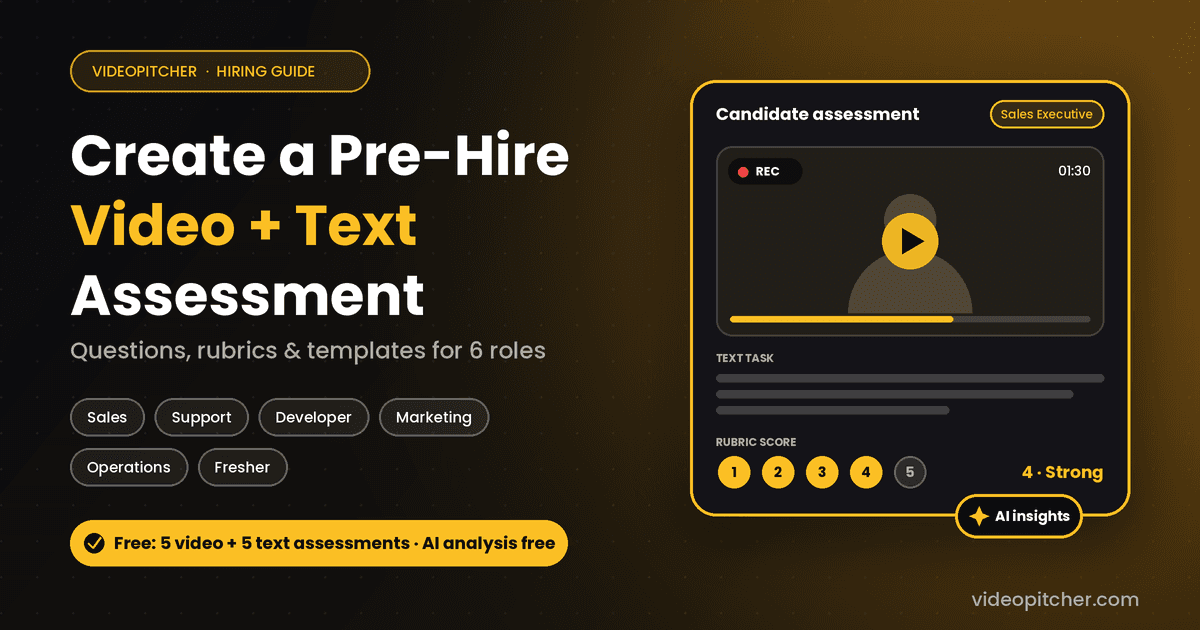
A scorecard can organize evidence from live interviews, work samples, recorded video responses, and written tasks. Video can help reviewers assess a candidate’s explanation of an experience or scenario; text tasks can show written reasoning or role-specific work. Choose a format because it measures a job requirement, not simply because a tool offers it. Keep tasks proportionate and explain expectations to candidates.
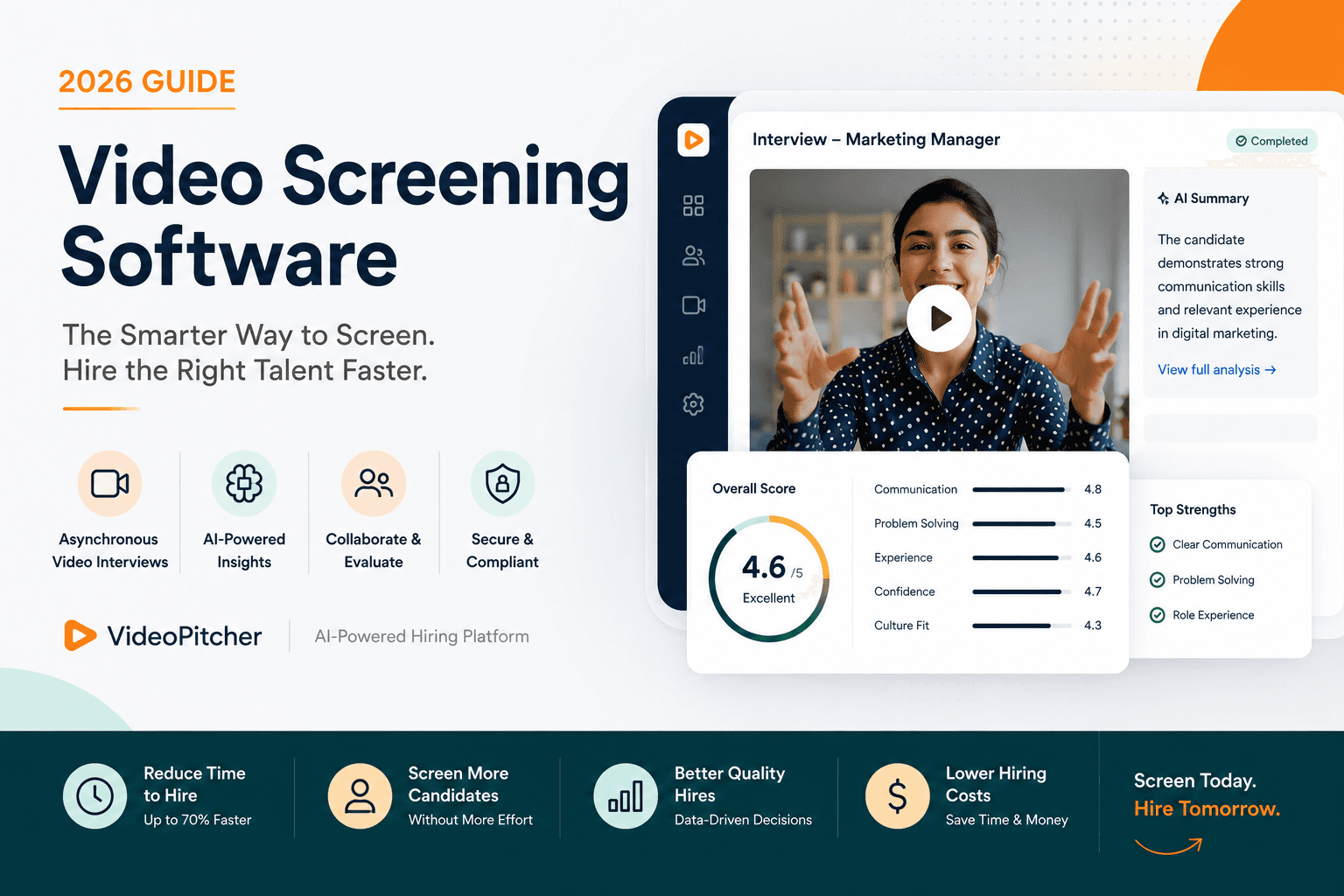
VideoPitcher supports video and text-based candidate assessments, with AI analysis to help hiring teams review candidate information. Use any AI-generated summary as an additional input to verify against the original resume, response, and scorecard. Do not treat an automated assessment as proof of ability or allow a score generated by a tool to make the final hiring decision. Human reviewers should check relevant evidence, apply the same criteria, and remain responsible for the outcome.
For a related guide, see how to create a pre-hire video and text assessment with questions and rubrics. If your team is comparing platforms, our video screening software guide explains what to evaluate in a hiring workflow.
Frequently asked questions
A candidate scorecard is most useful when everyone knows what the criteria mean, how scores are supported, and how the ratings will inform—not replace—the final decision.
Create a more consistent candidate review
Start with a short list of job-related competencies, define what good evidence looks like, and use the same scorecard for each candidate in the process. Clearer criteria make interviews easier to compare and debriefs more focused. VideoPitcher helps teams collect video and text assessment responses and review them alongside their hiring criteria.
Build your first assessment free →
Scorecard — implementation checklist
- Translate the job's responsibilities into four to six observable competencies.
- Prioritize essential requirements and agree any simple scoring weights.
- Choose a consistent question, scenario, or work sample for each competency.
- Write behavior-based rating anchors and define what does not count as evidence.
- Brief reviewers and calibrate the scorecard with a sample response.
- Have reviewers record evidence and score independently before the debrief.
- Compare ratings against the agreed anchors, document the decision, and review the process periodically.
Frequently asked questions
What should a candidate evaluation scorecard include?+
A candidate evaluation scorecard should include job-related competencies, the questions or tasks used to assess them, a clearly defined rating scale, evidence notes, and a recommendation or next step. Include only criteria that matter for the role.
How many criteria should an interview scorecard have?+
A practical starting point is four to six core competencies for a typical role. Use fewer when the job is focused and add criteria only when interviewers can collect useful evidence for each one.
What is a good rating scale for candidate interviews?+
A 1–5 scale can work when each rating has behavior-based anchors. Define what low, middle, and high performance look like for each competency, and let interviewers mark a criterion as not assessed when there is no evidence.
Should interviewers score candidates independently?+
Yes. Interviewers should record evidence and assign initial scores before the group debrief. Independent ratings help the team surface different observations and reduce the risk that one person's first impression anchors the discussion.
How do you compare candidates with different strengths?+
Compare candidates against the same job-related criteria and review the evidence behind each rating. An overall average can summarize results, but the hiring team should also consider essential requirements, missing evidence, and the role's actual priorities.
Can AI make the final hiring decision from a scorecard?+
No. AI-generated insights can help organize information, but reviewers should verify them against the original candidate materials and agreed criteria. The hiring team should remain accountable for evaluating candidates and making the final decision.
Are candidate scorecards suitable for video and text assessments?+
Yes. A scorecard can be used with video responses, written tasks, work samples, or live interviews. Match each assessment format to the skill being measured and apply the same criteria consistently.
Keywords covered
Related resources
Ready to transform your hiring process?
Start using VideoPitcher today with 20 FREE AI Video Screening Credits, plus Unlimited AI Resume Analysis and Unlimited Text Screening Assessments. No credit card is required—just start screening smarter and find the right candidates faster.