Best Video Screening Software (2026 Buyer's Guide)
A recruiter-written guide to video screening software: what it is, how it works, which features actually matter, and how leading platforms compare — including where VideoPitcher fits.
The best video screening software in 2026 helps recruiters collect candidate responses asynchronously, compare applicants consistently, and reduce scheduling friction. Teams should look for structured scorecards, mobile-friendly recording, ATS integration, and AI summaries that support, not replace, human review.
Key Takeaways
- ✓Video screening software replaces or supplements the recruiter phone screen with recorded or live video responses.
- ✓Asynchronous (one-way) interviews let candidates respond on their own schedule, cutting scheduling back-and-forth.
- ✓AI features like transcription, summaries, and scoring suggestions speed up review without replacing recruiter judgment.
- ✓SHRM's benchmarking data puts average cost-per-hire around $4,700–$4,800 and average time-to-fill around 42–44 days — numbers most TA teams are actively trying to bring down.
- ✓The best platform depends on hiring volume, budget, and whether you need enterprise compliance or a fast, affordable setup.
- ✓Structured scorecards and consistent questions matter more for reducing bias than the video format itself.
- ✓ATS integration and mobile-friendly candidate links are non-negotiable for most teams in 2026.
Introduction: The Screening Bottleneck Every Recruiter Knows
A recruiter posts a role on Monday. By Thursday, 140 applications are sitting in the ATS.
She has one working day set aside for phone screens. At 15 minutes each, that's roughly 20 conversations — if nobody no-shows, reschedules, or runs long. Meanwhile the hiring manager is asking why the shortlist isn't ready yet.
This is the actual bottleneck in most hiring processes. It isn't sourcing — applications are rarely the problem. It's the gap between 'we have applicants' and 'we have a shortlist worth a hiring manager's time.'
Video screening software exists to close that gap. Instead of coordinating 140 calendar invites, a recruiter sends one link. Candidates record their answers when it suits them. The recruiter reviews responses in a browser tab between meetings, at 1.5x speed if the tool allows it, and builds a shortlist without ever picking up the phone.
That's the pitch. What actually matters is whether the tool fits how your team hires — volume, roles, compliance needs, and budget. This guide walks through what video screening software really does, the tradeoffs between formats, the features worth paying for, and how the major platforms compare, including where VideoPitcher fits into that picture.
It's worth being honest about the failure mode here too. A rushed rollout — generic questions, no rubric, no communication to candidates about what to expect — can make video screening feel worse than the phone calls it replaced. The tool is only part of the equation; the process around it decides whether it actually saves time or just moves the bottleneck somewhere else.
This guide is written from that angle: not "video screening is great, buy it," but "here's exactly what it does well, where it falls short, and how to set it up so it actually works for your team."
What is Video Screening Software?
Video screening software is a recruiting tool that lets hiring teams evaluate candidates through video — either pre-recorded (asynchronous) or live — as an earlier, faster stage than a traditional interview.
It sits between the application and the first real interview. Think of it as a replacement for the recruiter phone screen, not a replacement for the interview process itself.
How It Works
The workflow is fairly consistent across platforms, even though the interfaces differ:
Typical Video Screening Workflow
- ✓Recruiter builds a question set (often from a template library) tied to the open role.
- ✓A unique candidate link is generated — manually, in bulk, or automatically triggered from the ATS.
- ✓Candidates receive the invite by email or SMS and complete the interview on their own device.
- ✓Recorded responses are transcribed and, on AI-enabled platforms, summarized with suggested scores.
- ✓Recruiters and hiring managers review responses independently, leave notes, and score against a shared rubric.
- ✓Shortlisted candidates move to a live interview; others get an automated status update.
The difference between platforms usually comes down to three things: how good the AI summarization actually is, how well it integrates with the ATS you already use, and how much friction candidates experience completing it on a phone versus a desktop.
How It Differs From Phone Screening and Resume Screening
Video Screening vs. Phone Screening vs. Resume Screening
| Method | What It Evaluates | Time Cost to Recruiter | Scheduling Required |
|---|---|---|---|
| Resume screening | Stated experience, keywords, credentials | Low per candidate, high in aggregate | None |
| Phone screening | Communication, availability, salary fit | Medium — real-time, one at a time | Yes, both parties |
| Video screening (async) | Communication, presentation, role-specific answers | Low — reviewed on recruiter's schedule | None for the recruiter |
| Live video interview | Communication plus real-time interaction and follow-up | Medium to high — real-time | Yes, both parties |
Resume screening tells you what a candidate claims. A phone screen tells you how they communicate, but only if your calendar cooperates. Video screening gives you the communication signal of a phone call with the scheduling flexibility of an application review.
Types of Video Screening
"Video screening" isn't one format. Choosing the wrong one for a given role is one of the most common reasons teams abandon these tools after a bad first attempt.
1. Live Video Interviews
A real-time video call between recruiter and candidate, functionally similar to a Zoom or Google Meet interview, but run inside the hiring platform for recording and note-taking.
Live Video Interviews
| Pros | Cons |
|---|---|
| Natural conversation and follow-up questions | Still requires calendar coordination |
| Good for later-stage, relationship-building rounds | Doesn't scale well for high application volume |
| Easier to gauge real-time reasoning | Time zone friction for distributed teams |
Best use case: later-round interviews with hiring managers, panel interviews, or any conversation where follow-up questions genuinely change the outcome.
2. One-Way (Pre-Recorded) Interviews
Candidates record answers to fixed questions with no recruiter present. This is what most people mean by "async video interview software."
One-Way Video Interviews
| Pros | Cons |
|---|---|
| No scheduling required for either side | No follow-up questions in the moment |
| Every candidate answers the same questions in the same order | Can feel impersonal if not framed well |
| Reviewable anytime, at faster-than-real-time playback on most tools | Requires clear instructions to avoid candidate confusion |
Best use case: first-round screening at moderate to high volume, especially for roles where communication style and motivation matter as much as technical background.
3. Asynchronous Interviews (Extended Format)
A broader category than one-way video alone — asynchronous hiring can combine video questions with text responses, timed exercises, or short assessments, all completed independently by the candidate.
Asynchronous Interviews (Mixed Format)
| Pros | Cons |
|---|---|
| Captures both communication style and specific skill answers in one step | Longer completion time can reduce candidate follow-through |
| Flexible across roles — sales, support, technical, hourly | Requires more thoughtful question design upfront |
Best use case: roles where a single format doesn't tell the full story — for example, pairing a short video introduction with a written case-study response for a marketing or analyst role.
4. AI Video Screening
Not a separate interview format so much as a layer on top of one-way or asynchronous interviews — AI screening refers to automated transcription, summarization, and scoring support applied to recorded responses.
AI Video Screening
| Pros | Cons |
|---|---|
| Cuts review time significantly on high-volume roles | Should support, not replace, recruiter judgment |
| Standardizes scoring against a defined rubric | Quality varies a lot by vendor — worth testing on real data |
| Surfaces keyword and skill matches automatically | Needs clear internal guidelines on how AI scores are used in decisions |
Best use case: high-volume roles — retail, hospitality, customer support, entry-level sales — where dozens or hundreds of candidates need a fast, consistent first pass.
Benefits of Video Screening Software
The case for video screening isn't hypothetical — it comes down to what recruiters are actually short on: hours in the day and consistent signal on candidates.
Reduced Time to Hire
According to SHRM's benchmarking research, the average time to fill a position in the U.S. sits in the 42–44 day range. Scheduling alone — coordinating calendars across a recruiter, a candidate, and sometimes a hiring manager — is a meaningful chunk of that timeline for every single stage of the funnel.
Removing the scheduling step from just the first-round screen doesn't shrink the whole 42 days to nothing, but it removes a recurring bottleneck at the stage with the highest candidate volume, which is usually where delays compound the most.
Lower Hiring Costs
SHRM's most recent benchmarking puts average cost-per-hire in the $4,700–$4,800 range nationally, with recruiter and interviewer time counted as a real internal cost, not just external spend like job ads and agency fees.
Every hour a recruiter spends on scheduling instead of sourcing or reviewing candidates is time that shows up in that cost figure. Video screening doesn't eliminate cost-per-hire, but it shifts recruiter time toward higher-value work.
Better Quality Hires Through Consistency
Unstructured interviews — where every candidate gets a slightly different conversation — are one of the more well-documented weaknesses in hiring decisions. Structured video screening forces the same questions, in the same order, for every candidate.
That consistency doesn't guarantee a better hire. It does mean the comparison between candidates is based on the same evidence, rather than whichever conversation happened to go well.
Improved Recruiter Productivity
A recruiter reviewing recorded responses can watch at faster playback speed, skip to specific questions, and batch review during downtime — none of which is possible on a live call.
For a recruiter managing multiple open requisitions at once, that flexibility is often the difference between a shortlist delivered on time and one that slips a week.
Better Candidate Experience — When Done Right
Candidates increasingly apply to multiple roles at once, often outside standard business hours. A screening format they can complete at 9 p.m. on a Tuesday, instead of taking a call during their current job's lunch break, removes real friction.
This only holds if the process is respectful of candidates' time — short, clearly explained, and followed by a timely response. Badly implemented, it becomes a candidate-experience liability rather than an improvement.
Consistency Across Locations and Hiring Managers
For multi-location businesses and staffing agencies, video screening standardizes the first evaluation regardless of which recruiter or hiring manager is involved. Everyone is scoring the same responses against the same rubric.
Benefits at a Glance
| Benefit | What Drives It |
|---|---|
| Reduced time to hire | Removes scheduling delay at the highest-volume funnel stage |
| Lower effective cost per hire | Frees recruiter hours for higher-value work |
| More consistent evaluations | Same questions, same order, same rubric for every candidate |
| Higher recruiter throughput | Batch review, faster playback, flexible timing |
| Improved candidate experience | Completion on the candidate's own schedule and device |
| Standardization across teams | Shared scorecards across locations, managers, and agencies |
Must-Have Features in Video Screening Software
Feature lists on vendor websites tend to blur together. Here's what actually changes day-to-day recruiter workflow — and what to test before signing a contract.
AI Summary
A good AI summary condenses a 15-minute recording into a few sentences a hiring manager can read in under a minute. Test this on a real, messy response before trusting it — some tools handle accents, filler words, and tangents far better than others.
AI Scoring
AI-suggested scores against a defined rubric can speed up review substantially at volume. Treat these as a starting point for recruiter judgment, not a final decision — and make sure your team has internal guidelines on how AI scores factor into actual hiring calls.
Candidate Scorecards
Structured scorecards, shared across everyone reviewing a candidate, are arguably the single most important feature for hiring quality — more important than AI itself. Look for scorecards tied directly to job-specific competencies, not a generic 1–5 rating.
Resume Parsing and AI Resume Analysis
The ability to automatically extract and evaluate resume data alongside video responses saves a second manual step and gives recruiters a combined view of stated experience plus communication quality.
ATS Integration
If video screening results live in a separate system from your applicant tracking system, someone ends up manually copying data between the two — which defeats much of the time savings. Confirm your specific ATS is supported, not just "integrates with ATS platforms" in general marketing copy.
Team Collaboration
Hiring managers should be able to leave comments, tag colleagues, and vote on candidates without needing a separate login or a forwarded video file. This matters most at companies where multiple stakeholders weigh in before a shortlist is finalized.
Analytics
Completion rates, time-to-review, and drop-off points tell you whether your process is actually working or quietly losing candidates. Analytics also help justify the tool's ROI to finance and leadership.
Security and Compliance
Candidate video is sensitive data. Ask vendors directly about encryption, data retention periods, deletion policies, and relevant compliance certifications before rollout — don't assume based on a badge on the pricing page.
Scheduling (for Live Rounds)
Even async-first platforms need solid scheduling tools for the live rounds that follow. Calendar sync, automatic time-zone conversion, and reminder emails cut down on no-shows later in the process.
Mobile Support
A meaningful share of candidates — especially for hourly, retail, and early-career roles — will complete an interview entirely on a phone. If the mobile experience is clunky, completion rates suffer regardless of how strong the desktop product is.
Feature Checklist Before You Buy
- ✓Does the AI summary hold up on a real, unscripted recording — not just a demo video?
- ✓Can scorecards be customized per role, not just a generic rating scale?
- ✓Is your specific ATS on the supported integrations list?
- ✓Can hiring managers comment and vote without a separate paid seat?
- ✓Does the vendor provide clear answers on data retention and deletion?
- ✓Is the candidate-facing link fully usable on a phone, start to finish?
- ✓What does the platform look like for a candidate with no account or app download required?
How to Choose the Right Video Screening Platform
Before comparing vendor feature lists side by side, it helps to answer a handful of questions about your own hiring process first. The right platform for a 15-person startup looks nothing like the right platform for a 5,000-employee enterprise.
Hiring Volume
If you're screening a handful of candidates a month, a simple one-way tool may be all you need. If you're screening hundreds per role, AI summarization and scoring stop being a nice-to-have and start being the difference between a shortlist delivered on time and one that isn't.
Budget and Contract Structure
Some vendors price per seat, others per completed interview, and enterprise platforms often require an annual contract with a minimum spend. Ask directly how pricing scales as your hiring volume grows or shrinks seasonally, not just what the entry tier costs.
AI Capabilities You'll Actually Use
It's easy to be sold on an AI feature list that sounds impressive in a demo but goes unused in practice. Ask for a trial on your own, real job requisition — not a sample dataset the vendor has optimized for — before deciding AI summarization or scoring is worth paying extra for.
ATS Integration Depth
"Integrates with your ATS" can mean anything from a deep two-way sync to a basic CSV export. Ask specifically whether interview status, scores, and notes flow back into the candidate record automatically, or whether someone still has to update things manually.
Candidate Experience
Request the actual candidate-facing link and complete the interview yourself, on both desktop and mobile. If it feels clunky to you as an internal reviewer, it will feel worse to a candidate deciding between your process and a competing offer.
Analytics and Reporting
Completion rate, average review time, and drop-off by question are the metrics that tell you whether a screening process is working. If a platform can't show you this data, you're flying blind on whether the tool is actually helping.
Security and Support
Ask about data retention defaults, deletion on request, and who owns candidate video data contractually. Also ask what support looks like after the sales process ends — a dedicated contact versus a shared support inbox can matter a lot during a hiring surge.
Quick Decision Checklist
- ✓Estimate your monthly screening volume before comparing pricing tiers.
- ✓Confirm your ATS is on the vendor's supported integration list, not just 'compatible in general.'
- ✓Test the AI summary against a messy, real recording — not a polished demo.
- ✓Complete the candidate-facing interview yourself, on mobile.
- ✓Ask directly about data retention, deletion, and compliance certifications.
- ✓Confirm what post-sale support looks like, not just onboarding.
Comparison Table: Top Video Screening Platforms
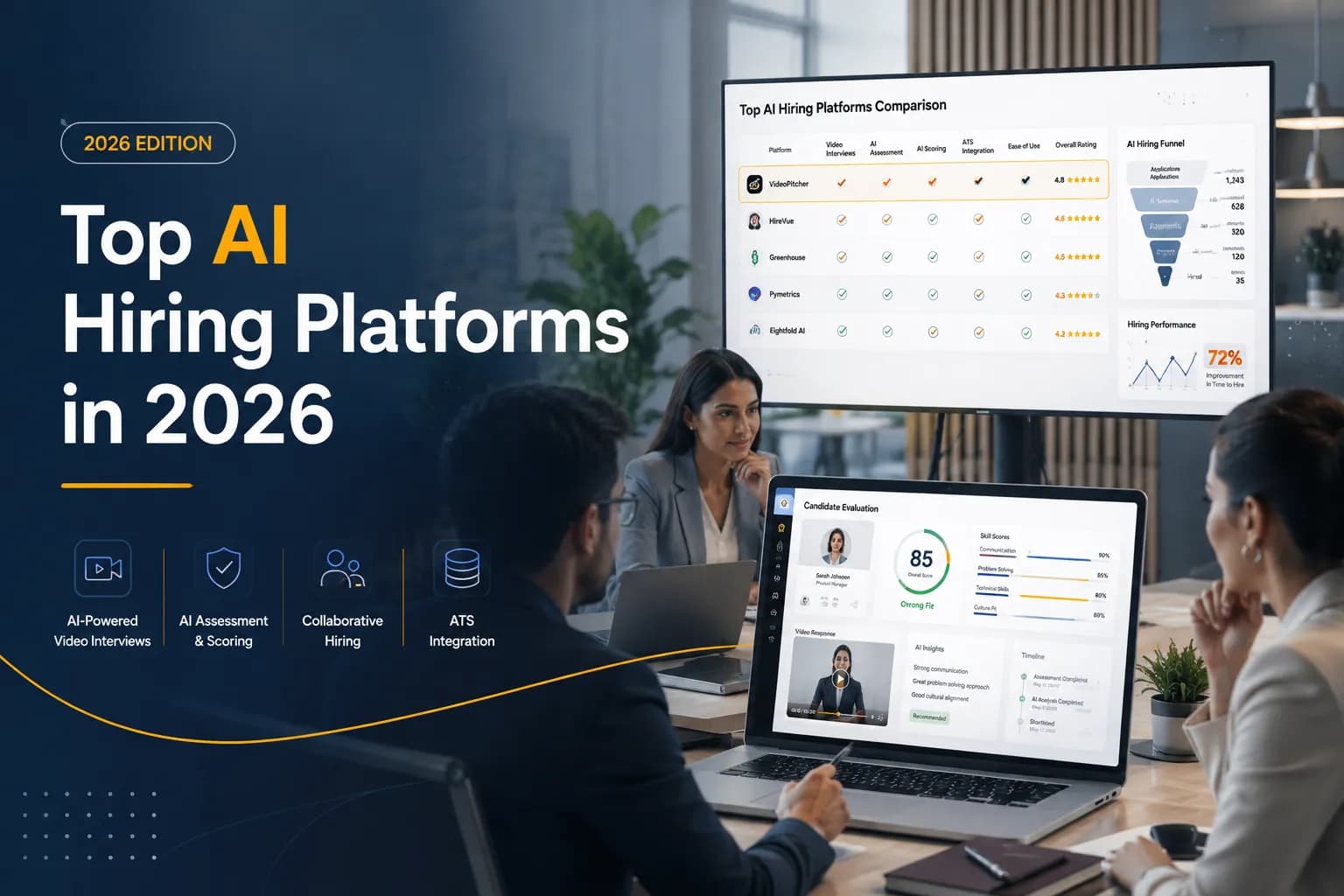
Pricing for most of these platforms is either usage-based, tiered, or quote-only for larger volumes — none are represented here with invented dollar figures. Treat this as a starting point for your own demo requests, not a final verdict.
Why VideoPitcher
Most teams end up choosing between two extremes: an enterprise platform with more features than they'll use, or a bare-bones tool that only does one-way video and nothing else.
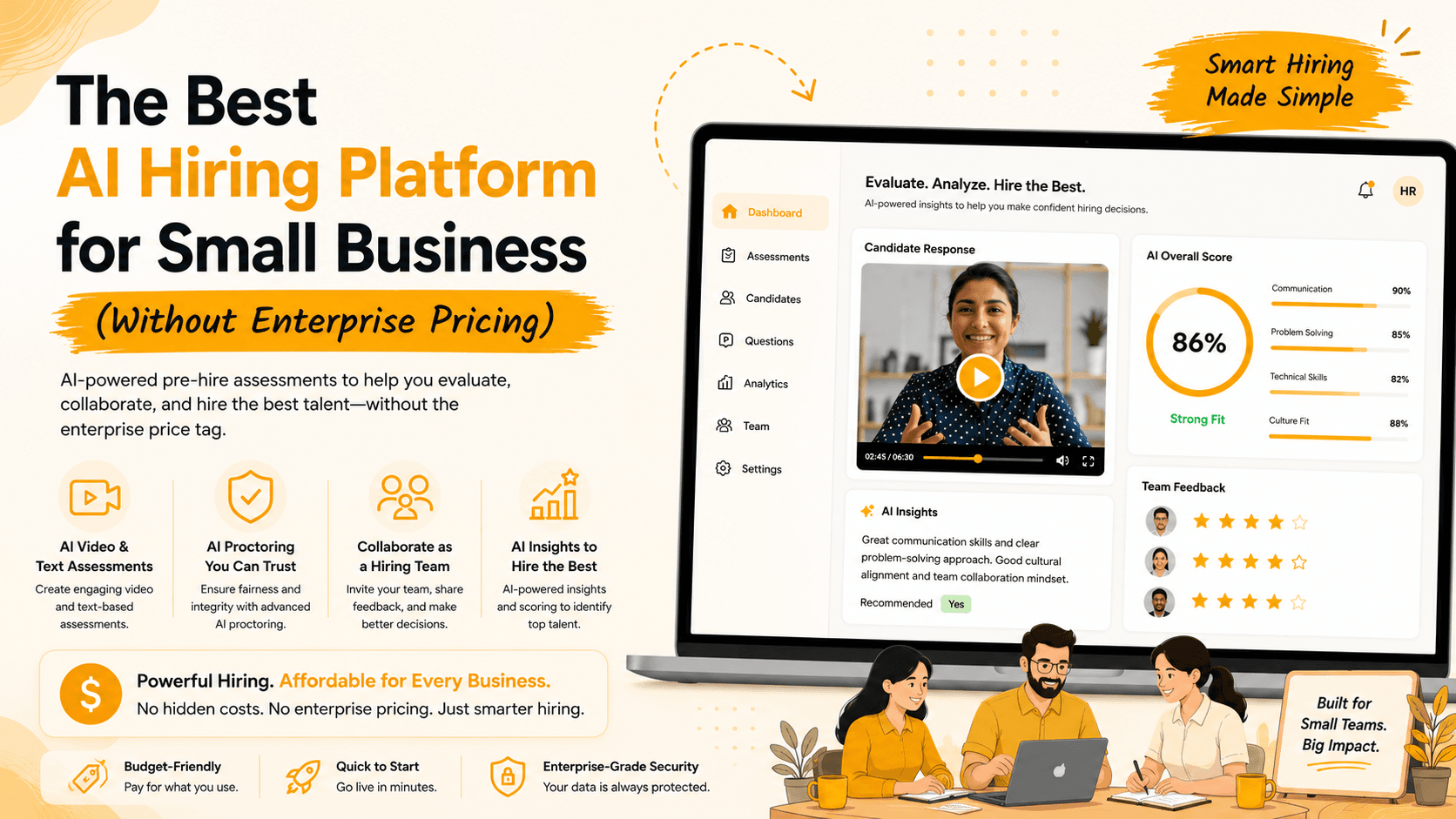
VideoPitcher was built for the space in between. It combines AI video interviews, unlimited text assessments, and AI resume analysis in one workflow, rather than requiring separate tools stitched together with manual exports.
A few specifics worth knowing:
What VideoPitcher Includes
- ✓AI Resume Analysis — automatically evaluates resumes against role requirements before a recruiter opens a single application.
- ✓AI Video Interviews — one-way and live formats with AI-generated summaries and scoring suggestions.
- ✓Unlimited Text Assessments — pair video screening with role-specific written or skills-based questions without volume caps.
- ✓AI Interview Insights — structured scorecards and comparison views across the whole candidate pool, not just one interview at a time.
- ✓Team Collaboration — hiring managers can comment, score, and vote inside the platform without a separate login flow.
- ✓Fast Setup — question templates and guided onboarding designed to get a first screening link live in hours, not weeks.
The goal isn't to claim VideoPitcher is right for every team — enterprise organizations with heavy compliance requirements may still find a platform like HireVue or VidCruiter a better fit. For SMBs, startups, staffing agencies, and mid-market teams that want AI screening and assessments without enterprise pricing or a months-long implementation, VideoPitcher is built specifically for that gap.
10 Common Mistakes Recruiters Make with Video Screening
Video screening fails more often from process mistakes than from bad software. These are the patterns that show up most often.
Common Mistakes
- ✓Asking too many questions — pushing a 10-minute screen into a 30-minute obligation kills completion rates.
- ✓Skipping a written brief before recording — candidates need to know what to expect, not just a bare link.
- ✓Reusing the same generic questions for every role instead of tailoring 2–3 questions to the specific job.
- ✓No defined scoring rubric — reviewers end up scoring on gut feeling instead of consistent criteria.
- ✓Letting responses sit unreviewed for a week or more, which damages candidate experience and increases drop-off at the next stage.
- ✓Not testing the candidate-facing flow on mobile before launch.
- ✓Treating AI scores as a final decision instead of a starting point for human review.
- ✓Failing to train hiring managers on how to use the scorecards consistently.
- ✓Not disclosing the use of recorded video or AI evaluation clearly to candidates upfront.
- ✓Using video screening for every single role, including senior positions where a live conversation is genuinely more appropriate.
Most of these mistakes trace back to one root cause: treating video screening as a technology rollout instead of a process change. The software is the easy part. Writing good questions, training reviewers to score consistently, and setting expectations with candidates take more effort — but they're what actually determine whether the tool improves hiring or just adds another step candidates have to get through.
Future Trends in Video Screening
AI Agents in the Screening Pipeline
Rather than a recruiter manually sending each interview link, agentic workflows are starting to trigger screening invitations automatically based on ATS status changes, route completed interviews to the right reviewer, and flag top candidates without manual sorting.
Agentic Hiring Workflows
The broader shift is toward hiring workflows where multiple steps — resume review, screening invite, scheduling, follow-up — happen in a coordinated sequence with minimal manual handoffs, while decision authority stays with the human recruiter and hiring manager.
Deeper AI Interview Analysis
Summarization and keyword matching are becoming table stakes. The next wave is more nuanced analysis of how well a candidate's answer actually maps to the specific competency being tested, not just whether certain words appeared.
Skills-Based Hiring
More organizations are pairing video screening with skills assessments rather than relying on degree or title as a proxy for capability, which is pushing platforms to integrate video and assessment data into a single candidate profile instead of two disconnected tools.
Predictive Hiring Signals
Some platforms are beginning to surface pattern-based insights — for example, flagging when a candidate's profile resembles past successful hires for a similar role. These signals should inform, not replace, structured evaluation, and teams should be cautious about how such models are validated and audited over time.
Frequently Asked Questions
Conclusion
Video screening software won't fix a broken hiring process on its own. What it does is remove one of the most consistent bottlenecks in recruiting — the scheduling gap between "we have applicants" and "we have a shortlist" — and replace it with a consistent, reviewable, faster first look at every candidate.
The right platform depends on your volume, budget, and how much of the workflow — resume review, video screening, text assessments, collaboration — you want handled in one place versus stitched together across tools.
If you're evaluating options, start with the features checklist above, test the AI summary on a real recording (not a demo), and confirm ATS integration before anything else. That's a more reliable filter than any feature list on a pricing page.
Scorecard — implementation checklist
Written by VideoPitcher Editorial Team
Talent Acquisition & HR Technology Desk
Published July 27, 2026
Keywords covered
Ready to transform your hiring process?
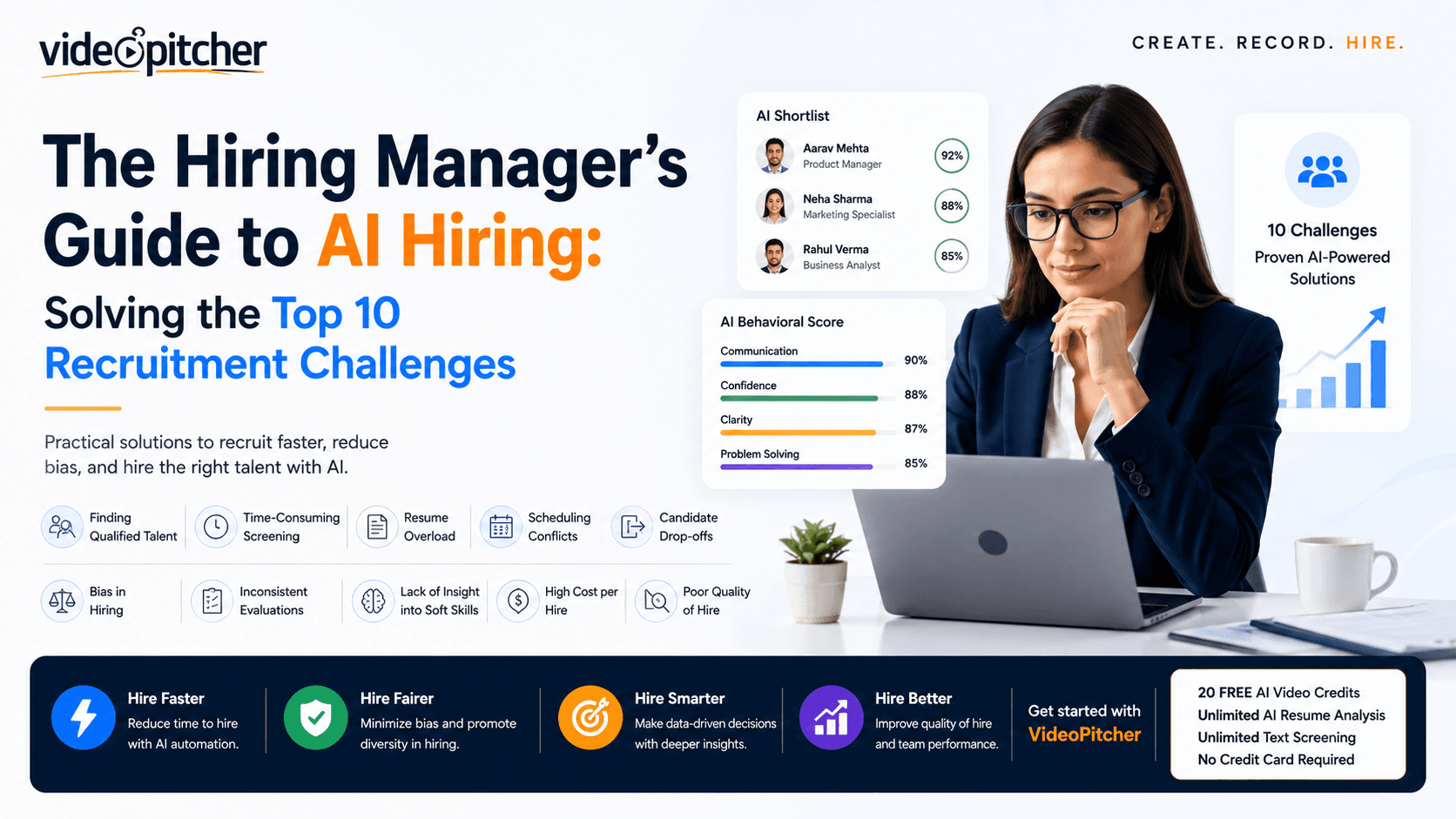
Start using VideoPitcher today with 20 FREE AI Video Screening Credits, plus Unlimited AI Resume Analysis and Unlimited Text Screening Assessments. No credit card is required—just start screening smarter and find the right candidates faster.