Best AI Video Screening Software for Hiring (2026 Guide)
Compare the best AI-powered video screening software for hiring in 2026: how the category evolved from resume keyword-matching to behavioral AI, the features that actually affect shortlist quality, pricing and ROI, and a full tool comparison.
The best video screening software for hiring in 2026 combines structured video and text assessments with AI-assisted behavioral analysis, not just resume keyword matching. Look for platforms offering mixed question types, consistent reviewer scoring, and pay-per-assessment pricing rather than flat subscriptions — VideoPitcher, Spark Hire, HireVue, VidCruiter, and Willo are the leading options, each suited to different team sizes and hiring volumes.
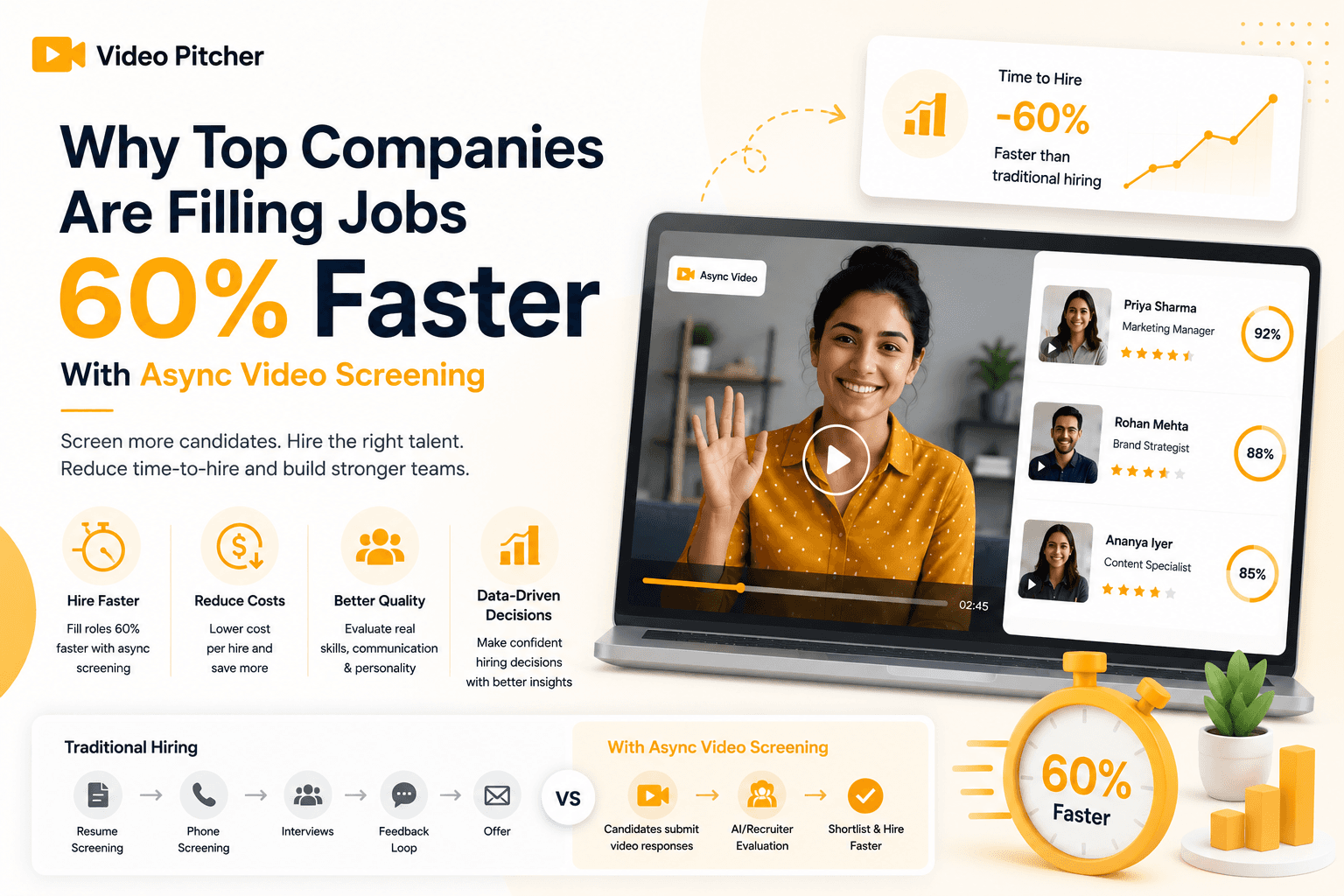
Most hiring teams do not lose time in final interviews. They lose time in early screening, where recruiters schedule dozens of calls just to discover that many candidates are not close to role requirements. In 2026, that model is too expensive for fast-moving teams. A stronger approach is to collect structured video and text responses before live interviews, so managers spend calendar time only on candidates who already meet a baseline quality threshold.
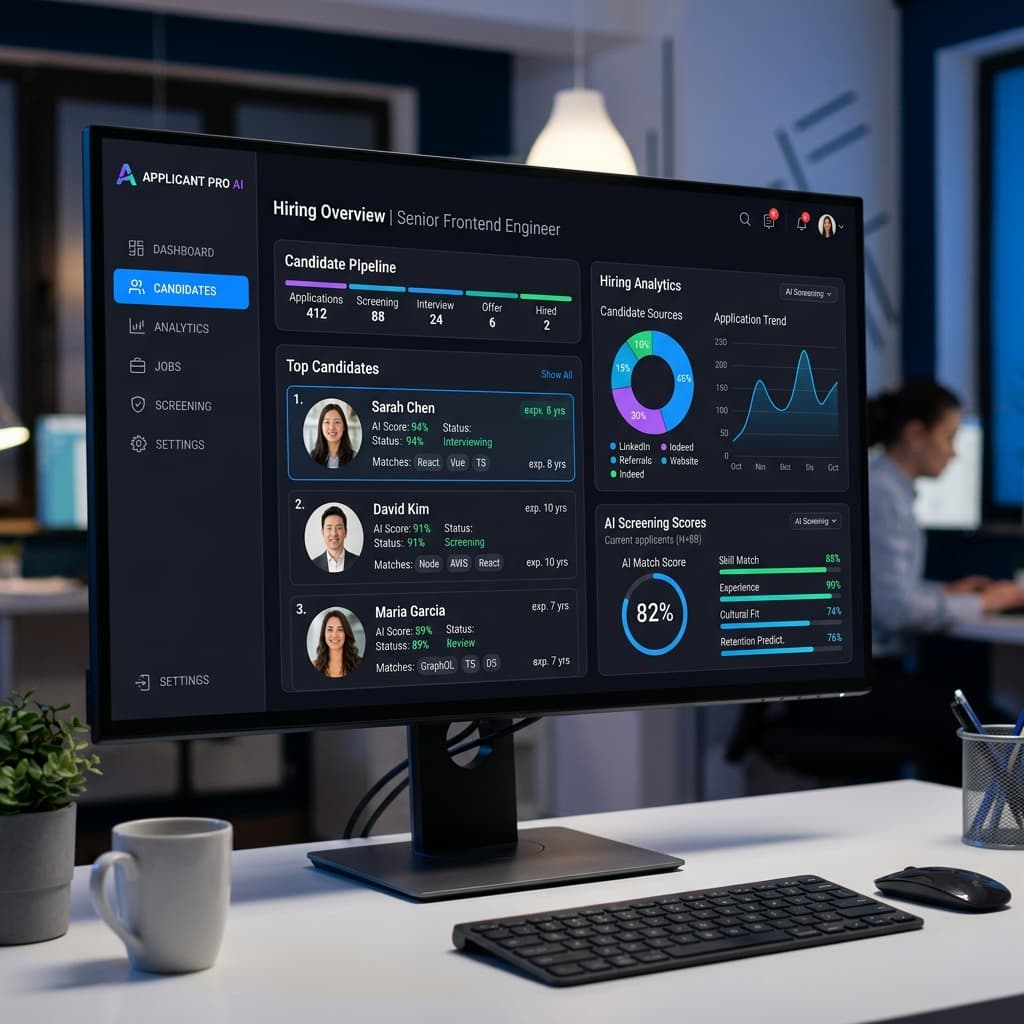
The category itself has changed shape. Early 'AI in hiring' meant keyword-matching resume parsers that rejected qualified candidates for using the wrong phrasing. In 2026, the strongest platforms evaluate real behavior, communication clarity, structured reasoning, and problem-solving approach, captured through async video and text, not just document parsing.
This guide explains what to look for in AI video screening software, where common implementation mistakes happen, how to compare tools on cost and operational fit, and gives you a direct comparison of leading options. For detailed pricing scenarios, jump to the pricing page.
What Is AI Video Screening Software, and How Did It Change?
Video screening software evaluates candidates before live interviews through asynchronous responses. Instead of booking a first-round call for every applicant, recruiters send a structured assessment link; candidates answer role-specific prompts on their own time, usually through short video responses combined with text inputs for factual checks. Reviewers then score submissions in a shared dashboard.
The category's first generation was 'AI' in name only, an ATS rejecting resumes because they used 'managed' instead of 'led.' That era produced years of frustrating keyword-stuffing advice and filtered out strong candidates for reasons that had nothing to do with ability. Modern platforms have shifted from parsing documents to analyzing behavior: how a candidate communicates, reasons through a problem, and presents themselves on video, dimensions no resume parser could ever capture.
For employers, the value is decision quality per recruiter hour, not novelty. A structured asynchronous workflow reduces low-signal interviews, tightens shortlist quality, and gives hiring managers richer context before final rounds. For candidates, the benefit is flexibility: they complete screening without scheduling friction and understand exactly what's being evaluated.
Why Recruiters Are Adopting AI Video Screening
First-round screening is often the biggest operational bottleneck in hiring. A single open role can generate dozens or hundreds of applicants; live calls for every one create calendar delays, interviewer fatigue, and inconsistent screening quality. Asynchronous, AI-assisted screening shifts that workload into a format that's easier to standardize and review at scale.
Teams also adopt these tools for consistency. When every candidate receives the same prompts under the same constraints, scoring becomes comparable in a way unstructured calls never are, and AI-assisted behavioral scoring gives reviewers a shared reference point rather than relying purely on memory of a live conversation.
Key Features to Look For
Prioritize structured assessment design: role-specific templates with mixed response types. Text prompts verify facts and reasoning; video prompts capture communication clarity and decision framing. A balanced structure produces stronger first-round signal than video-only or resume-only workflows.
Review controls and scoring systems matter more than visual polish: consistent timers, retake rules, reviewer notes, and shared scorecards aligned to competencies. Without this, the platform becomes storage rather than an evaluation system.
Look for genuine AI behavioral analysis layered on top of the recording, not just video hosting. Platforms that surface signals like communication clarity or confidence from the response give reviewers a starting point instead of forcing them to reconstruct impressions from memory across dozens of videos.
Evaluate trust and compliance controls, secure data handling, consent-aware recording, clear retention settings, and for global teams, region support and governance clarity. Finally, compare pricing models against your hiring pattern: pay-per-assessment models often fit growing teams better than seat-based subscriptions, since cost tracks real usage instead of headcount.
Mitigating Bias With Structured, AI-Assisted Data
Unstructured interviews are notorious for introducing unconscious bias. When every candidate is asked different questions by different interviewers, the outcome often reflects who the interviewer liked rather than who's most qualified. Structured, AI-assisted screening enforces the same prompts, time limits, and evaluation criteria for every candidate, which reduces the influence of individual bias and produces more merit-based shortlists.
It's worth being clear-eyed here: poorly designed AI tools can introduce or amplify bias if they're trained on skewed historical hiring data. The platforms that get this right treat bias auditing as an ongoing process, not a launch-day checkbox, and pair automated scoring with human review rather than letting either operate alone.
Comparison Table (Top 5 Tools)
The right choice depends on your hiring volume, process complexity, and integration requirements. Use the table below as a starting point, then run a pilot with your own role requirements and review standards before final procurement.
A useful cost lens: calculate total screening cost per role, not just software price. Include recruiter screening hours, manager review hours, and delay costs from slow shortlisting. In most teams, operational efficiency has more impact on ROI than nominal license differences.
Why VideoPitcher Stands Out
VideoPitcher fits teams that need structured first-round screening without heavyweight implementation overhead. It combines text and video responses in one workflow, supports public and private link distribution, layers AI-assisted behavioral scoring on top of each response, and gives reviewers a clear dashboard for scoring and notes.
From a cost perspective, VideoPitcher aligns with pay-for-usage models many growth teams prefer over overcommitting to large subscription tiers before process maturity. For cost-sensitive teams balancing speed and quality, this pricing structure is often easier to defend to finance and leadership than a flat monthly seat fee.
Pricing & ROI Breakdown
Separate pricing model from business impact. Most teams evaluate software price first, but ROI usually comes from two operational outcomes: reduced first-round live interview hours and improved shortlist precision. If async screening reduces low-fit interviews by 30–40%, recruiter capacity and manager attention improve quickly.
Run a 30–60 day pilot on one role family, tracking first-round interviews per role, minutes per call including prep and notes, and time to produce a shortlist. Compare applicant-to-shortlist and shortlist-to-final-interview conversion before and after. A workable formula: ROI = (hours saved × blended recruiter hourly cost) + (manager hour savings) + (quality gains from fewer false-positive interviews) − software spend.
Common Mistakes to Avoid
Replacing process discipline with software is the most common failure. A tool cannot fix weak question design or unclear pass criteria; define competencies and scoring anchors first, then configure the platform. Overloading candidates with too many prompts in round one is the second most common mistake, keep early assessments short so completion rates stay high.
Uncalibrated reviewer scoring is a quieter failure mode: if each reviewer interprets quality differently, rankings become noisy. Run periodic calibration sessions where reviewers score the same sample submissions. Finally, avoid over-automating final decisions, structured, AI-assisted evidence should support human judgment, not replace hiring accountability.
Buyer's Guide
Define your hiring bottleneck clearly before shopping for features. If your primary issue is slow first-round filtering, prioritize structured async workflows over feature-heavy enterprise extras. Choose one role family for a pilot, build a scorecard tied to must-have competencies before inviting candidates, and validate the candidate experience on mobile and lower-bandwidth conditions.
Track completion rate, review time, shortlist conversion, and live-interview efficiency weekly, and decide rollout scope only after pilot evidence is stable. If you're evaluating an AI video screening platform for recruiters, the highest-confidence decision comes from a real workflow pilot using your own open role, not a demo alone.
Final Verdict
The best AI video screening software for hiring in 2026 is the platform that improves first-round decision quality while reducing screening effort, structured asynchronous workflows, clear scorecards, AI-assisted behavioral insight, and pricing that matches real candidate volume. The winning tool is not always the one with the longest feature list; it's the one your team can implement, calibrate, and run consistently every week.
If your hiring team needs an efficient first-round system with text plus video workflows, AI-assisted scoring, and transparent unit economics, VideoPitcher is a strong option to pilot. For broader enterprise orchestration across complex stacks, a heavier suite may be justified. Either way, run a pilot with measurable success criteria before committing to scale.
Scorecard — implementation checklist
- Pick one role family for a 30-day video screening pilot
- Define pass criteria before candidate invitations are sent
- Use 3-5 first-round prompts with mixed text and video response types
- Align reviewer scoring with a shared rubric and calibration examples
- Track applicant-to-shortlist conversion weekly
- Measure recruiter and manager hours saved against baseline
- Compare cost-per-shortlisted-candidate across tool options
- Run a candidate experience check on mobile and low bandwidth
- Audit AI-assisted scoring outputs periodically for bias, don't set and forget
- Scale the workflow to additional roles only after stable pilot results
Top 5 AI Video Screening Tools Compared
| Tool | Best For | Standout Strength | Tradeoffs | Pricing Model |
|---|---|---|---|---|
| VideoPitcher | SMBs and growth teams optimizing first-round screening | Structured text + video assessments with AI-assisted scoring and simple scaling | Fewer enterprise add-ons than legacy suites | Pay-per-assessment |
| Spark Hire | Teams wanting one-way and live interview workflows | Broad interview workflow coverage | May require higher subscription commitments for some teams | Subscription tiers |
| HireVue | Large enterprises with advanced assessment needs | Deep assessment ecosystem and enterprise integrations | Longer implementation cycles and higher complexity | Enterprise contract |
| VidCruiter | Regulated hiring and structured enterprise operations | Strong process controls and interview governance | Can be heavy for small teams | Quote-based |
| Willo | Async-first distributed hiring teams | Fast async deployment and candidate-friendly workflows | May need extra tooling for broader process orchestration | Subscription |
Frequently asked questions
What is the best AI video screening software for hiring in 2026?+
The best tool is the one that improves shortlist quality and reduces first-round interview effort for your specific workflow. Compare structure, AI-assisted scoring, usability, pricing model, and pilot performance before deciding, VideoPitcher, Spark Hire, HireVue, VidCruiter, and Willo each fit different team sizes and hiring volumes.
How is this different from older resume-screening software?+
Older ATS platforms mostly parsed resumes and ranked candidates by keyword match, which frequently filtered out qualified people for phrasing differences. Modern AI video screening evaluates actual behavior, communication clarity and structured reasoning, captured through video and text responses.
How many questions should a first-round video assessment include?+
Most teams see good completion and review efficiency with 3 to 5 questions, combining role-specific text checks and short video prompts under 90 seconds each.
Can AI-assisted video screening reduce hiring bias?+
It can help when every candidate receives the same prompts and reviewers use a structured rubric, since consistency in process is the key factor. Poorly trained AI models can also introduce bias, so periodic auditing is essential rather than optional.
Should startups choose pay-per-assessment or subscription pricing?+
Startups with uneven hiring cycles often prefer pay-per-assessment models, since cost tracks real usage. Teams with stable, high-volume hiring may benefit more from subscription economics.
Can video screening software integrate with an ATS?+
Many platforms support exports or integrations. Confirm required fields, workflow steps, and sync reliability during evaluation before committing.
How quickly can a hiring team start using VideoPitcher?+
Most teams can launch a first role pilot quickly by creating a session, sharing links, and scoring submissions with a simple rubric. New users can begin with 20 free credits.
Written by VideoPitcher Team
Recruitment Product & Research
The VideoPitcher team writes about hiring workflows, candidate assessment, and what we learn building the product.
Published February 18, 2026 • Updated July 27, 2026
Keywords covered
Related resources
Ready to transform your hiring process?
Start using VideoPitcher today with 20 FREE AI Video Screening Credits, plus Unlimited AI Resume Analysis and Unlimited Text Screening Assessments. No credit card is required—just start screening smarter and find the right candidates faster.